Document management with permissions
All files in one place. With Awerka, everyone finds everything.
Store, share, and organize your company documents securely in one central hub with full access control.
Files scattered across five clouds — and nobody can find a thing.
The contract sits in someone's inbox, the floor plan in Dropbox, the photo of the damage on a colleague's WhatsApp. When somebody needs the original, the search begins. Who has access, who doesn't — pure chance. Which one is the latest version, nobody quite knows. And come tax audit time, things get exciting.
In Awerka, every file hangs directly on the customer, the project, the order. Permissions follow automatically — whoever can see the project can see its files. Inline previews mean you don't even need to click to open. Every file shows who uploaded it and when, and whatever gets deleted lands in the trash first, without booking anything extra.
Dropbox, OneDrive, Google Drive — solid tools for raw file storage. But they don't know anything about your job. Awerka stores the file exactly where it belongs: on the customer, in the project, in the story. You don't search — you click to where the document was always supposed to be.

Centralized storage
Keep all company documents in one place — easy to find, secure, and always available from any device.
Seamless sharing
Share files with colleagues, customers, and partners with just a few clicks. Control who can view, edit, or download.
Access control
Set granular permissions for folders and files to keep sensitive information protected. Per-user and per-group access levels.
Everything you need
- Upload and organize documents in folders
- Drag-and-drop file upload for fast bulk uploads
- Preview PDFs, images, and office documents directly in the browser
- Image gallery view for visual file browsing
- Granular permissions at user, group, and tenant level
- Search and filter by tags, names, and metadata
- File tagging and metadata for easy categorization
- Attach files to projects, tasks, and customers
- Tenant-isolated secure storage with encrypted file paths
- Trash: restore deleted files and folders
- Mount your files as a network drive on your computer or phone (WebDAV)
- Hosted in Germany — GDPR compliant
File Management Features
Everything you need to manage company documents professionally — from organized folder structures to secure access control.
Folder Structure
Organize files in hierarchical folders that mirror your company structure. Create nested folders for departments, projects, or customers.
Secure Storage
Files are stored securely in German data centers with full tenant isolation. Each organization's data is strictly separated and protected.
Inline Preview
Preview PDFs, images, and documents directly in the browser without downloading. Save time and reduce local storage usage.
Access Control
Set granular per-user and per-group permissions for every folder and file. Control who can view, edit, download, or delete documents.
Use Cases
From contracts to invoices — see how teams use Awerka's file management in their daily work.
Contract Management
Store and track contracts, deadlines, and document versions in one central location. Never lose track of renewal dates or contract terms again. Attach contracts directly to the relevant customer or project for instant access.
Project Documentation
Attach files directly to projects, tasks, and customers. Keep technical drawings, specifications, photos, and reports linked to the work they belong to. Every team member sees the latest documents without searching through emails.
Invoice Archive
Keep all financial documents in one place. Invoices, receipts, and credit notes are securely stored and instantly searchable.
Attach Files to Projects, Tasks, and Customers
Combine file management with Awerka's project management. Attach documents directly to any entity and keep everything in context.
See it in action


Got questions? (FAQ)
Organize, protect, and share your files — all in one place
Start free. Upgrade when you're ready.
Try it free Compare plansAwerka for Mobile
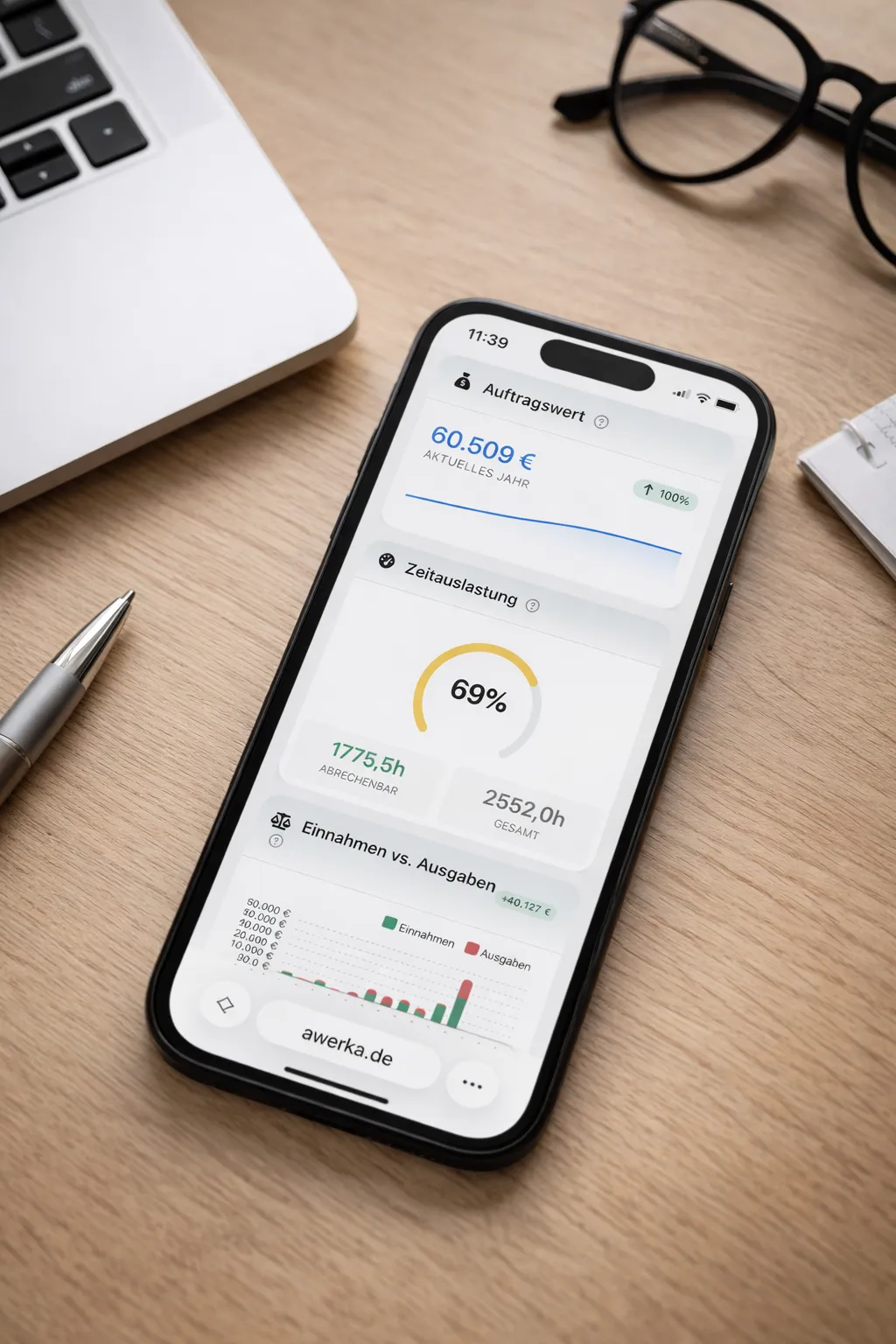
Manage your business on the go. Access customers, projects, and time tracking from anywhere with our mobile app.