Video calls without the data headache
Awerka Meet: your own video call platform, ready to go
Every appointment gets a video link with one click. Your customers join in the browser, without an account, without installing anything. Hosted in Germany, GDPR-compliant.

A video call should not require a privacy policy review.
The customer wants a quick consultation. So you send a link from one of the big US tools. The customer has to install an app, create an account, accept cookies. Ten minutes gone before anyone says a word. And where the recording of your business conversation ends up? Good question.
Awerka Meet is our own video call platform, built on Jitsi, the proven open-source software for video conferencing. It runs on our servers in Germany, not in a US cloud. Your conversations stay between you and your customer. No ads, no tracking, no data trading.
And the best part: it is already connected to your calendar. One click in the appointment and the invitation email carries the meeting link. Your customer clicks it and is in the call. In the browser, without an account.

One Click in the Appointment
Create an appointment, add a video link with one click. The link goes out with the invitation email and appears on the event page. No copy-pasting between tools.
Guests Just Walk In
Your customers need no account and no installation. They click the link and the call opens in the browser — on desktop, tablet, or phone.
Your Data Stays Here
Awerka Meet runs on our servers in Germany and is built on open-source Jitsi. No US cloud, no tracking, no surprises in the privacy policy.
Everything you need
- Video link on any calendar event with one click
- Meeting link included in invitation emails automatically
- Unique, non-guessable room links for every call
- Guests join in the browser — no account, no app
- Screen sharing for quotes, plans, and documents
- Works on desktop, tablet, and smartphone
- Built on Jitsi — proven open-source video conferencing
- Hosted in Germany, GDPR-compliant

From Appointment to Video Call in Three Steps
No separate video tool, no copied links, no app downloads for your customers. The video call lives where the appointment lives: in your calendar.
Create the appointment
Add an event in your Awerka calendar and invite participants — colleagues or external guests like your customers.
Add the video link
One click generates a unique Awerka Meet room. The link is sent with the invitation email and shown on the event page.
Click and talk
At the agreed time everyone clicks the link and meets in the browser. Camera, microphone, screen sharing — all there.
Built on Jitsi — Hosted by Us, for You
Jitsi Meet is one of the most widely used open-source video conferencing platforms in the world. Its source code is public and reviewed by a global community — transparency no closed product can offer.
Awerka Meet is our own Jitsi instance: hosted on servers in Germany, integrated into your calendar, and maintained by us. You get the freedom of open source without running a server yourself — and unlike the public Jitsi service, your meeting rooms live on infrastructure dedicated to Awerka customers.
-
Open-source coreBuilt on Jitsi — public, auditable source code instead of a black box.
-
German hostingRuns on our servers in Germany — not in a US cloud.
-
Zero setupNo server to maintain, no plugin to install — it is simply part of Awerka.
Meet + Calendar: Better Together
Awerka Meet is built into the Awerka team calendar. Invite participants to appointments, send invitation emails with the meeting link included, and sync everything to your phone via CalDAV. One appointment, every device, video link included.
Discover the team calendar
See it in action
Unique room links
Every call gets its own non-guessable link, generated fresh for each appointment. No reused rooms, no uninvited guests.
Invitations included
Participants receive a proper calendar invitation by email — with the meeting link inside. It lands directly in their calendar app.
Screen sharing built in
Walk your customer through the quote, show the plan, explain the invoice — share your screen with one click.
Got questions? (FAQ)
Awerka for Mobile
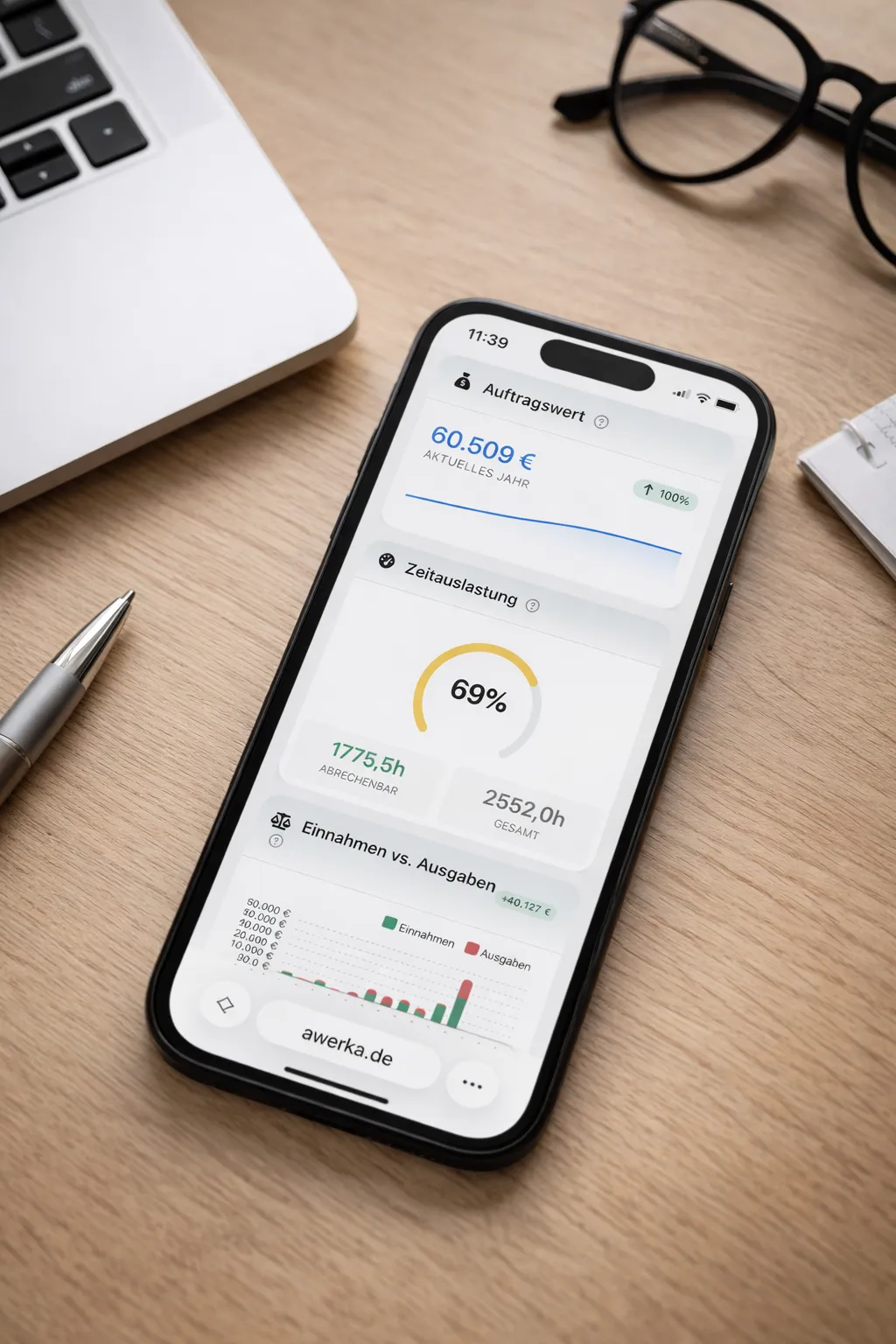
Manage your business on the go. Access customers, projects, and time tracking from anywhere with our mobile app.