Customer portal and digital quote acceptance
Quote out, signed, job on. No paper detour.
Your customers accept quotes online with their signature, see how their project is going and find every document in one place.

Print, sign, scan, send back. Your customer has no time for that.
The quote goes out by email. Then silence. The customer is supposed to print it, sign it, scan it and send it back. A week later you call and ask. Meanwhile three questions came in on WhatsApp, the photo of the meter by text message and the floor plan by email.
With Awerka your customer opens the quote with one link and signs it right there, with a finger or the mouse. Accepted, and you know about it straight away. Or they turn it down with a reason, or ask a question directly on the document.
Invite them to the customer portal and they get a place of their own: their projects with milestones and next steps, every quote and invoice, files in both directions and questions that land with you instead of in your private chat.

Signed in minutes
Your customer accepts the quote on screen with a signature. Name, e-mail and time are stored with the document.
Customers see the progress
Milestones and next steps of the project are visible in the portal. Fewer calls asking how far you are.
Log in by e-mail link
Your customers sign in with a link sent to their e-mail address. No password to forget.
Everything you need
- Accept quotes online with a digital signature
- Turn down a quote with a reason, or comment on it
- Quotes, order confirmations and invoices ready to download
- Project overview with status, milestones and next steps
- Files both ways: your customer uploads photos and plans
- Questions about the project land with you, not in a chat
- Quote link in the e-mail: signing works even without a portal account
- Portal access for your customers does not count as a user in your plan

From Quote to Signature in Three Steps
No app for your customer, no extra software. A link is enough.
Send the quote
Send the quote from Awerka by e-mail. The link to the online version goes along with it.
Customer signs
Your customer opens the link, reads the quote and signs on screen. Or turns it down, or asks a question.
Stay in touch in the portal
Invite the customer to the portal. From then on they see the project, the documents and the files, and send you their questions there.
Signed quote, straight into the job
The accepted quote is not a PDF lying in some inbox. It sits on the project in Awerka, turns into an order confirmation with one click and later into the invoice, which your customer finds in the portal again.
Discover invoicing
See it in action
Traceable signature
Who signed, with which e-mail address and when is stored with the quote. No discussion later about what was agreed.
Photos from the customer
The customer uploads the photo of the old boiler or the floor plan directly to the project. It is there when you need it, not in your camera roll.
Questions in one place
Questions about the project come in through the portal, are stored on the project, and the project team gets notified. Not just whoever's phone happened to ring.
Got questions? (FAQ)
Send your next quote with a signature link
Start free. Upgrade when you're ready.
Try it free Compare plansAwerka for Mobile
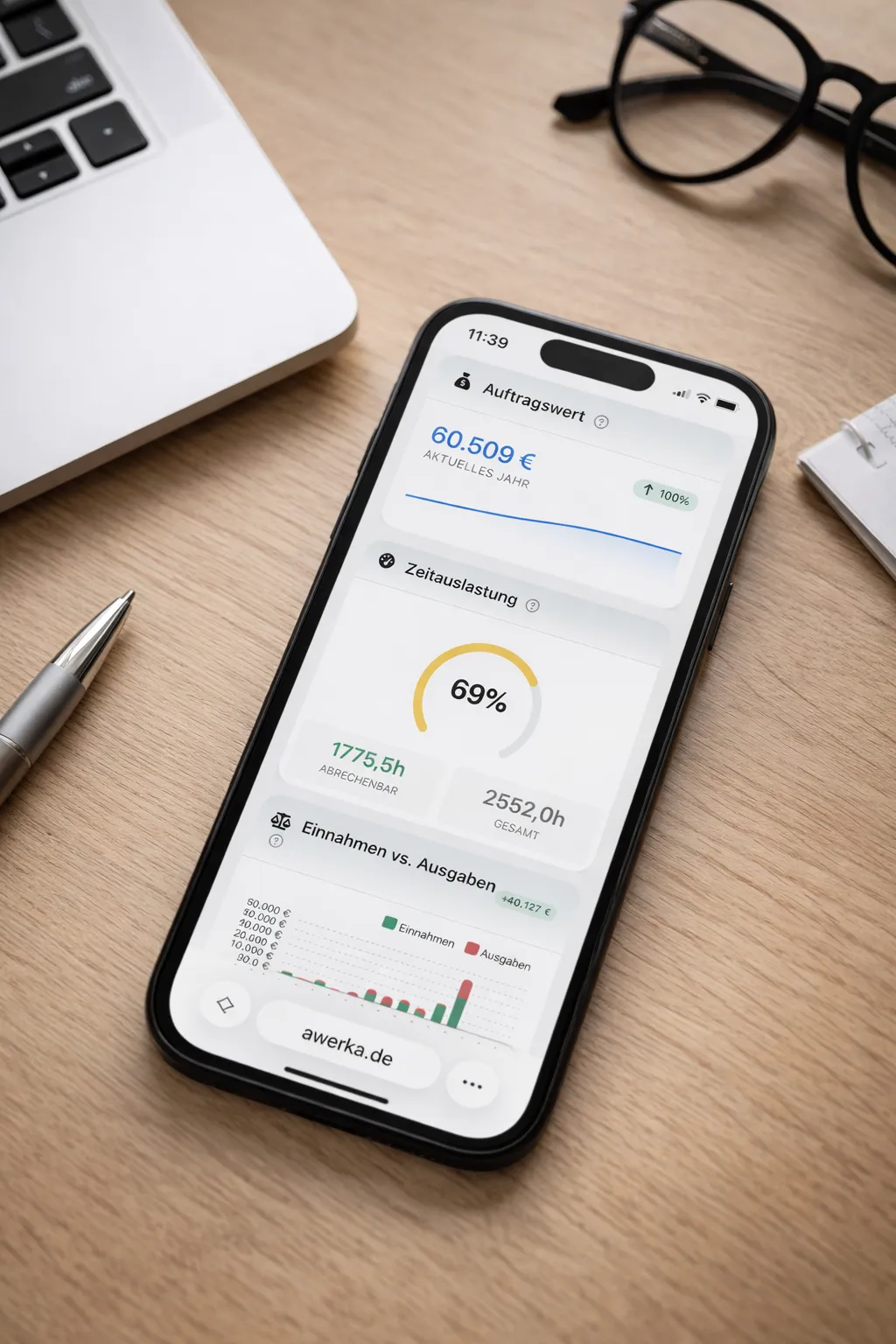
Manage your business on the go. Access customers, projects, and time tracking from anywhere with our mobile app.