Internal communication for modern teams
End the email ping-pong. Awerka.
Keep your team aligned with integrated chat, comments, and notifications—right where work happens.

Not every quick question deserves an email avalanche.
A short question about a project — the classic email with five people on CC. Eight replies later, the oldest half-deleted, the newest with no context. By the end nobody quite knows what was decided. Half-days disappear into threads nobody wants to archive and nobody can find again.
In Awerka the question simply hangs as a comment on the task or the project, where it belongs. Whoever should read it gets a mention. Whoever's involved sees the context immediately. Activity feeds tell each person what changed. And everything stays attached to the job — even two years later.
Slack, Teams, WhatsApp — fine tools for chatter, but chatter and the actual job run side by side. In Awerka the discussion is tied to the task. Whoever opens the task gets the context for free. No searching, no "wait, which customer are we talking about again?".

Chat in context
Discuss directly on projects, tasks, and files so conversations stay connected to the work.
Stay notified
Real-time notifications keep everyone updated without endless emails.
Team alignment
Channels and groups make it easy to coordinate across departments and projects.
Everything you need
- Direct messaging and group channels
- Comments on projects, tasks, and files
- Mentions, reactions, and threaded replies
- Integrated notifications across web and mobile
- Searchable message history with filters
- Role-based permissions for channels
- Optional email digests for important updates
- @mention colleagues to notify them instantly
- Activity feed per project, customer, and task
- Inline file sharing within comment threads
- Read receipts for important messages
- Per-user notification preferences and quiet hours
Communication Features in Detail
Everything your team needs to communicate effectively, without switching between tools.
Comments & Threads
Leave comments on projects, tasks, customers, and files. Threaded replies keep conversations organized and easy to follow, even weeks later.
@Mentions
Tag team members with @mentions to draw their attention to a specific discussion. Mentioned colleagues receive an instant notification so nothing falls through the cracks.
Activity Log
Every change, comment, and interaction is recorded in a full activity log. See who did what and when—perfect for audits, handovers, and accountability.
Notifications
Real-time alerts keep you informed about what matters most. Configure preferences per notification type, choose between in-app alerts and email digests, and set quiet hours to stay focused.
How Teams Stay Connected
Real-world examples of how integrated communication improves daily work.
Project Updates
When a task status changes, assignees are updated, or a deadline shifts, the relevant team members are notified automatically. No more status meetings just to find out what happened.
Customer Communication
Log every phone call, email, and meeting note directly on the customer record. Your entire team sees the full interaction history in one place, ensuring consistent and informed communication.
File Collaboration
Share and discuss documents inline without leaving the project context. Attach files to comments, get feedback from colleagues, and keep all related discussions linked to the document.
Cross-Team Coordination
Organization-wide channels and announcements ensure that important information reaches everyone. Whether it is a policy change, a company event, or a new process, your message gets delivered to the right people.
See it in action


Got questions? (FAQ)
Streamline your team communication today
Start free. Upgrade when you're ready.
Try it free Compare plansAwerka for Mobile
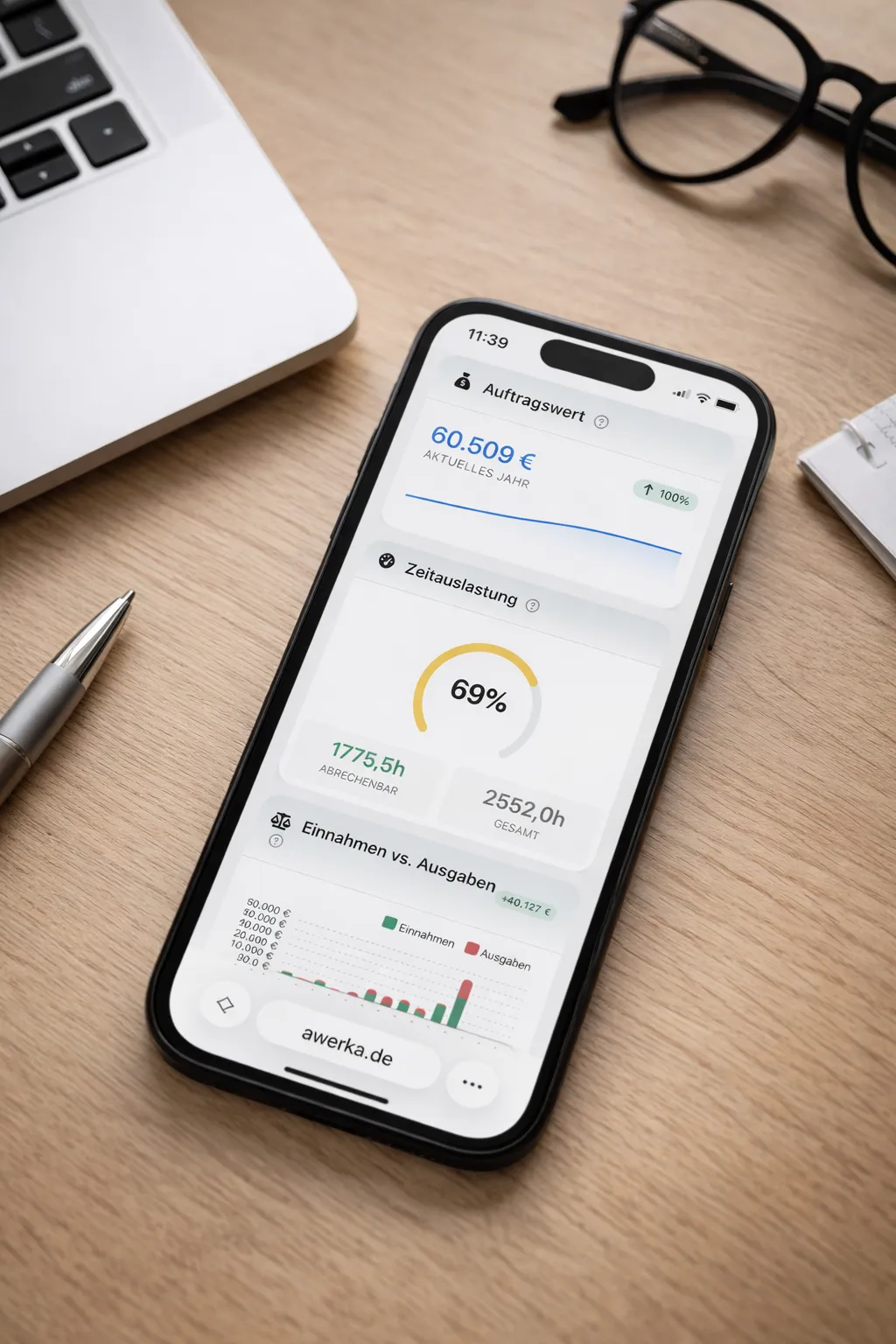
Manage your business on the go. Access customers, projects, and time tracking from anywhere with our mobile app.