Letter Template to DIN 5008 – create it free for Word
Enter your company details, optionally upload your logo and, in one minute, download a finished letter template as a Word file (.docx) — for Word, LibreOffice and OpenOffice, savable as PDF and ready to print. Standard-compliant to DIN 5008 with address field, fold marks and all mandatory details. Your data is not stored in the process.
Create template nowMore than just letterheads
With Awerka you write quotes and invoices with your letterhead and manage projects, customers and time — all in one place.
What is a letterhead to DIN 5008?
DIN 5008 is the German standard for designing business letters. It governs where the address field, information block and fold marks are placed — so that the recipient address is visible in a window envelope and the letter is folded cleanly. A standard-compliant letterhead looks professional and ensures that your business letter arrives correctly at authorities and business partners.
Our generator implements these specifications to the millimetre: the address field sits window-envelope-safe, the fold marks are at 105 and 210 mm, and your logo is placed cleanly. The result is a completely ordinary Word file (.docx) that you can freely continue to edit.
Letter template for Word, LibreOffice, OpenOffice – and as PDF
You get the finished letter template as a Word file (.docx). You can open this format not only in Microsoft Word, but equally in LibreOffice Writer and OpenOffice Writer or in Google Docs — all free. So you do not have to buy Word to use your letter template.
Anyone who would rather have the template as a PDF or wants to bring it onto paper for printing simply saves the opened document as PDF via Save As or Export, or prints it directly. That way you have the same standard-compliant template as an editable Word file and as a finished PDF.
Which mandatory details belong in a business letter?
A GmbH must, under §35a GmbHG, state the legal form and registered office, the register court with commercial register number, and all managing directors. In addition, the VAT identification number, bank details and the responsible tax office are customary and sensible. Our generator captures these details and places them in the footer in a standard-compliant way. Sole proprietors simply leave the legal fields blank.
Frequently asked questions
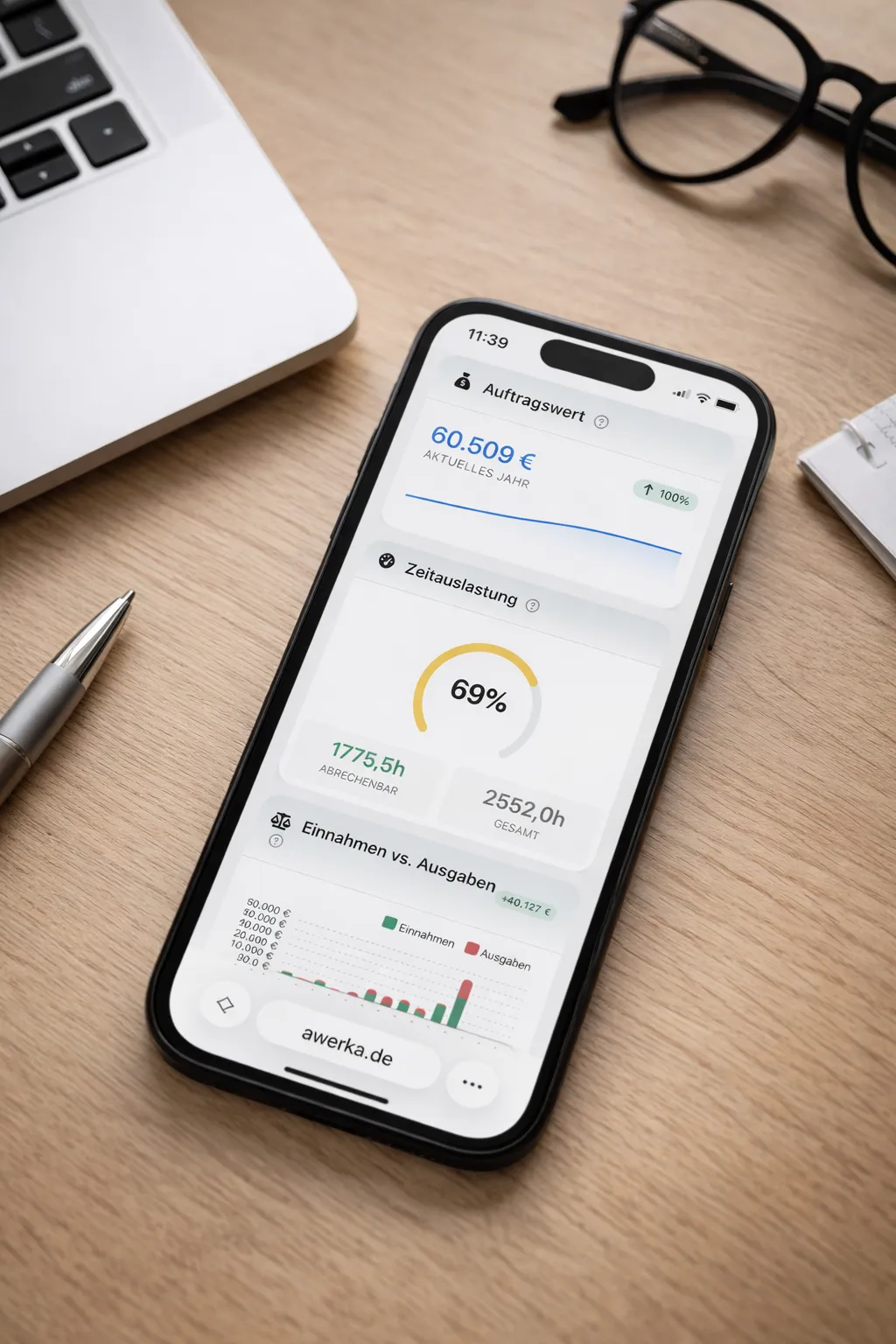
Awerka for Mobile
Manage your business on the go. Access customers, projects, and time tracking from anywhere with our mobile app.