Invoicing software with e-invoicing and payment tracking
Quote out, invoice out — money in. With Awerka.
From quote to payment — with correct tax calculation, e-invoicing, and payment tracking.

Goodbye, weekend invoicing.
You know the drill: Friday evening, your desk piled with delivery slips, the binder of timesheets next to it. You retype line items from the last quote. Hunt for the right invoice number in Excel. Check tax rates by hand. By Sunday night, ten invoices are out — one with two typos and the wrong date.
In Awerka, the timesheet from your installer flows straight from the time tracker into the invoice. The quote turns into an invoice in two clicks — line items, prices, tax rates intact. XRechnung and ZUGFeRD for the public sector come along automatically. And if a customer is late paying, you see at a glance who owes what and for how long.
Of course there's invoicing software everywhere. But invoices don't live alone — there's a job behind them, a project, hours, a customer. Awerka writes the invoice straight from that data. No more retyping, because the data's already there.
Fast and accurate
Templates, product catalog, and customer data fill your documents automatically. Write quotes and invoices in minutes instead of hours.
E-invoicing compliant
Export XRechnung 3.0 and Factur-X/ZUGFeRD invoices. Meet the German e-invoicing mandate without extra tools.
From quote to payment
Convert quotes to orders and invoices with one click. Track payments and outstanding balances automatically.
Everything you need
- Quotes, order confirmations, invoices, and credit notes
- Partial invoices and down payments
- XRechnung and ZUGFeRD/Factur-X export
- Configurable numbering per organization and document type
- Product catalog with pricing and markups
- Tax handling: reverse charge, exemptions, multiple rates
- Payment tracking and allocation
- Payment reminders and up to three dunning levels with fees and interest
- Mailbox for incoming e-invoices with automatic supplier matching
- GiroCode (QR bank transfer) on invoices and reminders
- Recurring invoices: monthly, quarterly or yearly
- PDF templates with custom headers and footers
- Delivery notes
- Time entry to invoice conversion
- Reversal invoices and credit notes
From Quote to Payment in Four Steps
Awerka guides your documents through the entire sales process. Convert with one click — no retyping required.
1. Write Quote
Create a professional quote from your product catalog. Prices, taxes, and discounts are calculated automatically.
2. Confirm Order
Convert the accepted quote into an order confirmation. All items, prices, and customer data carry over.
3. Create Invoice
Generate the invoice from the order — as a full invoice, partial invoice, or down payment. Export as PDF or XRechnung.
4. Track Payment
Record incoming payments and allocate them to invoices. Open balances and overdue items are visible at a glance.
After the invoice: getting paid
Writing the invoice is half the job. Awerka also chases the money and sorts the invoices that come in.
Reminders and dunning
Awerka spots overdue invoices and suggests the next step: a friendly reminder, then up to three dunning levels. You approve with one click. Fees and statutory default interest are calculated for you.
Calculate dunning feesYour own mailbox for incoming invoices
Suppliers send their invoices to your Awerka address. E-invoices are read automatically, plain PDFs by the AI. Awerka recognises the supplier by IBAN or name and suggests the project.
GiroCode on every invoice
Your customer scans the QR code with the banking app. Recipient, IBAN, amount and invoice number are filled in. No typos, faster payment.
Recurring invoices
Maintenance contract or service flat rate: set it up once, and Awerka writes the invoice every month, quarter or year.
E-Invoicing Mandate: What the Law Requires
E-invoicing is becoming mandatory across Europe. Here is an overview of the requirements in Germany, Austria, and Switzerland.
E-Invoicing Mandate in Germany
The Growth Opportunities Act (Wachstumschancengesetz) makes structured e-invoicing mandatory for B2B transactions in Germany. Since January 1, 2025, all businesses must be able to receive e-invoices. The obligation to send e-invoices follows in stages: from January 2027 for larger businesses and from January 2028 for all others. Only XRechnung and ZUGFeRD/Factur-X formats that comply with EN 16931 are accepted.
What is an e-invoice?
An e-invoice is not simply a PDF sent by email. It is a structured XML file that can be processed automatically by accounting software. XRechnung 3.0 is a pure XML format. ZUGFeRD/Factur-X embeds the XML inside a human-readable PDF — both are valid under the new law.
What businesses must do
- Since January 2025: be able to receive and archive e-invoices
- From January 2027: send e-invoices (revenue over EUR 800,000)
- From January 2028: send e-invoices (all B2B transactions)
- Use software that exports XRechnung or ZUGFeRD format
How Awerka helps
Awerka sends your invoices as XRechnung or ZUGFeRD. Incoming e-invoices go to your own invoice mailbox in Awerka, where the XML is read and the invoice is assigned to the right supplier.
Consequences of non-compliance
Invoices that do not meet the e-invoice format requirements may not be recognized for VAT deduction by the tax office. This means the recipient cannot reclaim input tax, which puts pressure on both sender and receiver to adopt compliant invoicing software.
E-Invoicing in Austria
Austria was one of the first EU countries to mandate e-invoicing for government suppliers. Since 2014, all invoices to federal government entities must be submitted electronically in the ebInterface format via the USP (Unternehmensserviceportal). For B2B transactions there is currently no general mandate, but the EU ViDA directive is expected to extend requirements in the coming years.
Current requirements
- B2G: mandatory ebInterface format since 2014
- B2B: no general mandate yet, but digital invoicing is recommended
- Peppol network supported for cross-border e-invoicing
- EU ViDA directive expected to introduce B2B obligations
How Awerka helps
Awerka generates Factur-X/ZUGFeRD invoices that comply with EN 16931. When Austrian B2B e-invoicing becomes mandatory, your invoicing workflow is already prepared.
E-Invoicing in Switzerland
Switzerland has adopted the QR-Rechnung (QR-bill) as the standard for domestic invoicing since October 2022, replacing the old payment slips. There is no general B2B e-invoicing mandate yet, but digital invoicing adoption is growing rapidly. The Swiss government supports the Peppol network for e-invoicing in public procurement.
Current requirements
- QR-Rechnung is the standard payment method since October 2022
- No general B2B e-invoicing mandate yet
- Public procurement increasingly uses Peppol e-invoicing
- Digital trend: most businesses are moving away from paper invoices
How Awerka helps
Awerka generates compliant PDF invoices with all required fields for Swiss businesses. The ZUGFeRD format ensures your invoices are ready when structured e-invoicing standards arrive in Switzerland.
Awerka supports XRechnung 3.0 and Factur-X/ZUGFeRD export — your invoices are e-invoicing compliant out of the box.
Last updated: February 2026. This overview is for informational purposes only and does not constitute legal advice.
Who uses Awerka for invoicing?
From craftsmen on the job site to agencies billing by the hour — Awerka adapts to your workflow.
Craftsmen & Tradespeople
Write quotes on the job site, send invoices from the office. Partial invoices and down payments for large projects. The invoicing software for tradespeople.
Small Businesses
Replace Excel with proper invoicing software. Create professional quotes and invoices with your logo, numbering, and tax rates. Free to start.
Agencies & Freelancers
Track hours and convert them directly into invoice line items. Billable rates, project-based invoicing, and automatic time-to-invoice conversion.
Convert Work Hours into Invoice Items
Track project hours with Awerka's time tracking and convert them directly into invoice line items — with billable rates and rounding.
See it in action


Got questions? (FAQ)
Awerka for Mobile
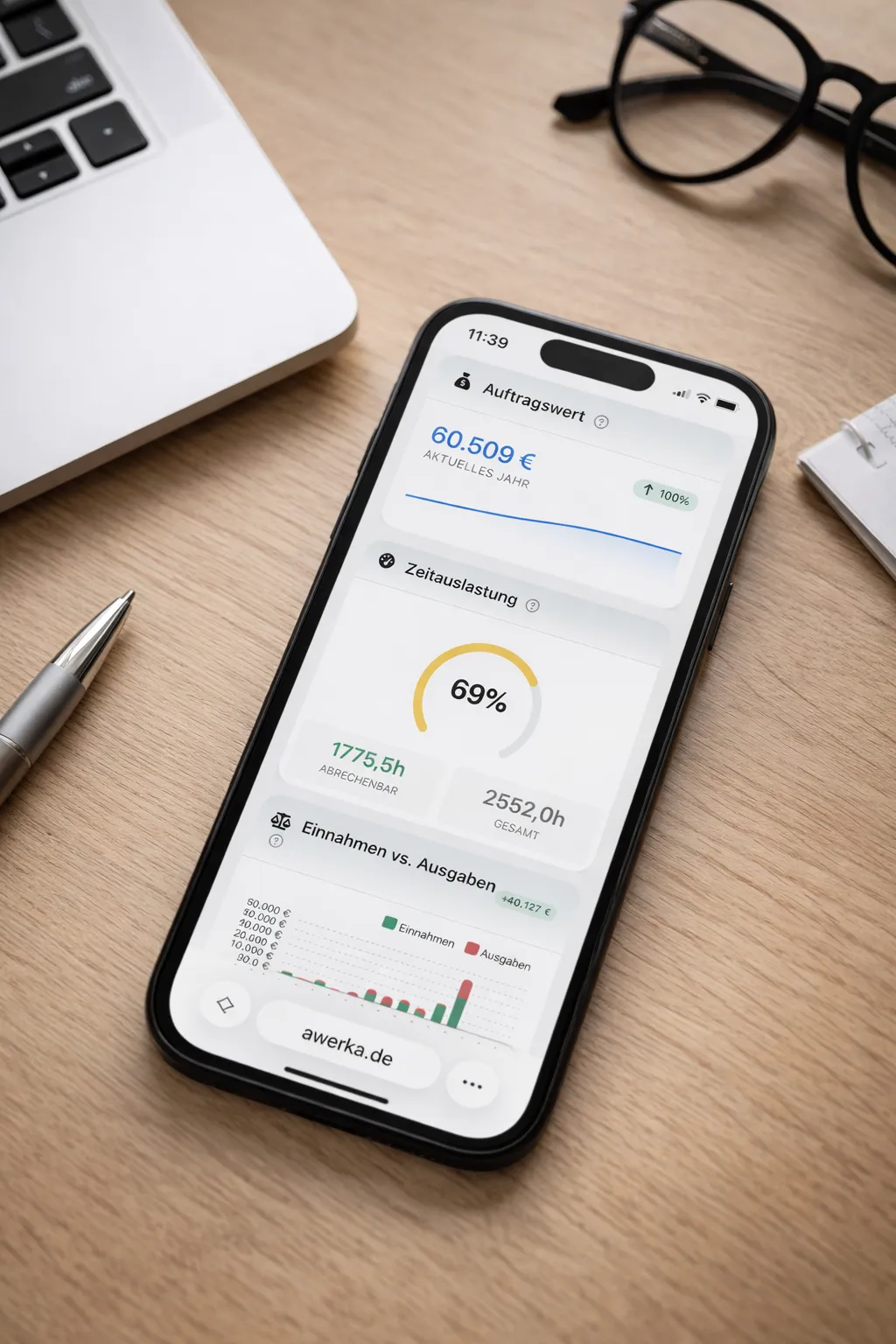
Manage your business on the go. Access customers, projects, and time tracking from anywhere with our mobile app.