Time tracking — just get started
Record working time per task and project. Right in the browser, without an account. Export the timesheet as PDF or CSV. Optionally sync your data into Awerka.
No entries yet — start the timer above or add one manually.
So these hours are not lost.
Clear the cache, switch device, update the browser — and everything is gone. Bring your times into your free Awerka account.
Create account & transfer timesFree · no credit card
Do you just need a quick export without an account?
Frequently asked questions about free time tracking
Free time tracking online — no sign-up, no installation
With this free online time tracking you record your working time per task and per project right in the browser — no registration, no app installation, no credit card. The time clock runs immediately, you enter a task description and an optional project, click start and record your time to the minute. Breaks can be taken at any time and are automatically deducted from the net working time. Multiple entries per day are possible, and you can add or correct times manually afterwards too.
Who is this time tracking tool for?
The online time tracking is aimed at tradespeople, self-employed people, freelancers, small businesses and employees who want to document their working time per project or per customer. It is particularly useful for work with changing jobs — for example in the building trade, electrical trade, plumbing/heating/air conditioning (SHK), energy consulting, gardening and landscaping or tax and business consulting. Agencies, designers, coaches and developers also use project time tracking to bill working hours correctly and prove them transparently to clients.
Export the timesheet as PDF or CSV
From the recorded hours the tool creates a ready-made PDF timesheet at the push of a button — in the classic format with date, start and end time, break, net working time, task description and project. You can print the PDF timesheet directly or send it as an attachment to your customer, employer or tax advisor. Alternatively a CSV export is available that opens in Excel, LibreOffice Calc or Google Sheets — handy for further analysis, for payroll or for handing over to accounting. Both exports are free and usable without limit.
Working Hours Act (ArbZG) and time tracking obligation in Germany
Since the ruling of the Federal Labour Court (BAG) in September 2022, employers in Germany are required to systematically record their employees working time. This applies to all industries, including small businesses. The record must cover the start, end and duration of daily working time, including breaks. Self-employed people should also document their working hours — as proof for the tax office, as a basis for invoicing customers, for calculating a realistic hourly rate and for analysing their own capacity. Our free time tracking tool helps you meet these requirements with ease.
What happens to your data?
The online time tracking stores all input solely locally in the browser (localStorage) — no server, no cookies, no tracking, no account. That makes the tool 100 % compliant with GDPR data protection, and a cookie banner is not needed. The downside: data is lost if you clear your browser cache, switch device or reinstall the browser. Anyone who wants lasting peace of mind syncs their entries with one click into a free Awerka account — then the hours are in sync across all devices (smartphone, tablet, desktop), stored permanently, and can be included directly in invoices, projects and reports.
From timesheet to invoice — the next step
Anyone who wants not only to document working time but also to bill it directly benefits from an integrated solution. With Awerka you record time per task and project, assign it to a customer, and automatically generate an e-invoice (XRechnung, ZUGFeRD) from the hours — including hourly rate, tax and mandatory details for the tax office. Timesheet templates, approval workflows for employees, multiple projects, break rules under the Working Hours Act and reports for the tax return are also included in the pro version — free in the free plan, no credit card.
More free tools for tradespeople and the self-employed
If the online time tracking helps you, you might also be interested in our other free tools: the hourly rate calculator for a realistic billing rate, the staff cost calculator for working out the true employee cost per hour, the dunning fee & default interest calculator for correct reminders, the reverse charge check (§13b UStG) for construction work, and the public holiday calendar for your annual planning. All tools are free and require no sign-up.
Awerka for Mobile
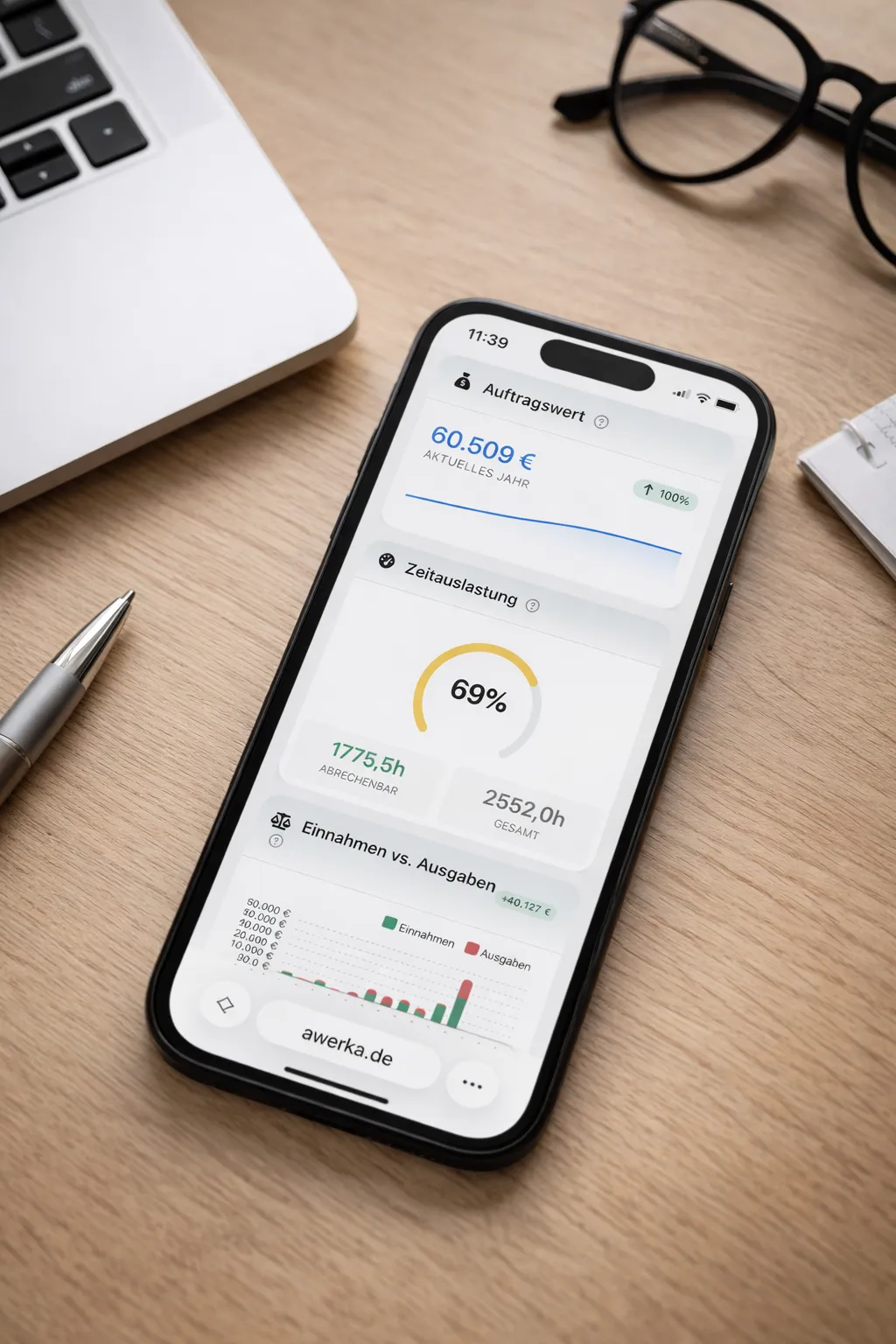
Manage your business on the go. Access customers, projects, and time tracking from anywhere with our mobile app.