All features
Everything Awerka does, module by module
Awerka takes the office work off you: from the first enquiry through the quote, the project and the hours worked to the invoice and the reminder. Here is the complete list, without marketing gloss.
17 modules, 277 features
Customers, leads and sales
Every customer, contact person and enquiry in one place, with the whole history of emails, letters, comments and documents. Leads move through a pipeline until they become customers, offers or projects.
Customers and contacts
- Private and business customers with address, contact details and own customer numbers
- Contact persons for customers and suppliers
- One search across customers, contact persons and leads
- Customer timeline with comments, emails, letters and post in one place
- Projects, deals, appointments, files and earnings on the customer page
- Invoice settings per customer: VAT ID, Leitweg ID, separate invoice email
- Reverse charge (§ 13b) for construction businesses
- Exclude single customers from payment reminders
- Enter a customer by voice
- Change history on every customer
Leads and pipeline
- Leads with source, channel, owner, win probability and estimated volume
- Lead pipeline as a board with your own columns
- Turn a lead into a customer, an offer or a project
- Enquiries forwarded by email become leads automatically
- Website contact form sends enquiries straight in as leads
- Change status, owner or type of many leads at once, archive in bulk
- Spot leads whose status has not moved for a while
- Own lead types and lost reasons
Follow-ups
- Follow-ups on customers, leads, deals, offers and invoices
- Automatic follow-up after an offer was sent, with owner and optional calendar event
- Due follow-ups every morning as a notification
- Postpone or check off follow-ups, filter open, own or overdue
Projects, tasks and planning
The project is the hub for tasks, times, documents, purchase orders, files and communication. Templates, boards, sprints and a resource timeline keep the work planned.
Projects
- Projects and job sites with customer, site address, dates and team
- Internal projects and sub-projects
- Own project statuses with colour and icon
- Project types with their own fields, e.g. plant or meter number
- Project budget with planned against actual earnings and expenses
- Hours worked against estimated hours
- Payment plan with billing milestones
- Project report or site diary from time entries, material and photos
- Project sign with QR code
- Work scope as Excel or PDF
- Share a project with selected users or lock it with a password
- Project email address files supplier invoices to the project
Tasks
- Tasks with assignees, priority, deadline, planned dates and effort estimate
- Subtasks, dependencies and related tasks
- Tags and task categories
- Acceptance criteria and test steps
- Create several tasks at once from meeting notes
- Discard tasks with a reason
Planning and scheduling
- Kanban boards with your own columns for tasks and projects
- Sprints with goal, period and burndown
- Gantt chart and milestones per project
- Process templates with tasks, milestones, roles and checklists, applied with real dates
- Project roles such as site manager or fitter
- Resource planning for employees, rooms and machines by day, week or month
- Group resources by competence
Checklists and site documentation
Build a checklist once as a template, fill it in on site with photos and notes and hand over a finished PDF report.
- Checklist templates such as inspection record or acceptance report
- Field types yes/no, quantity, number, text, selection, date and photo
- Photos and notes on every checklist item
- Required items nobody can skip
- Repeatable sections for flats, rooms or devices
- Checklist items linked to products and prices
- Checklists on projects, tasks, leads and work steps
- PDF report for handover and inspection
Time tracking and absences
Working time by time clock or by hand, project times on projects, tasks, leads and customers, and vacation requests with approval. Time accounts and timesheets are ready for payroll.
Working and project time
- Time clock with clock in, breaks and clock out
- Book running time on a project, task, lead or customer
- Timer on projects and tasks
- Enter work and project times afterwards, also for several employees at once
- Mark home office days
- Billable or non-billable times
- Approve or reject times, or approve them automatically
- Find forgotten clock-outs
- Project times as a calendar
- Sales and internal cost rates per employee
- Company rules: start/stop only, required description
Absences and time accounts
- Request vacation and approve it as a supervisor
- Sickness with sick note, flex days and unpaid leave
- Half days and hourly absences
- Vacation entitlement and yearly adjustments
- Team calendar with absences, public holidays and school holidays
- Public holidays loaded per country and state
- Time account with target and actual hours and overtime balance
- Time accounts of the whole team in one list
- Monthly or yearly timesheet as PDF or CSV
- Home office days as PDF for the tax return
Calendar, booking and video calls
Team and customer calendars that sync both ways with the apps you already use, online booking pages and video calls straight from the appointment.
- Several calendars, e.g. for the team or customer appointments, private if needed
- Appointments, all-day and recurring, linked to projects and customers
- Invite colleagues, customers and others by email and see who accepted
- Two-way CalDAV sync with Apple Calendar, Thunderbird, Android and other apps
- Read-only calendar subscription for Outlook and Google Calendar
- Online booking pages with link and QR code
- Video call on any appointment with one click (Awerka Meet)
- Guests join video calls in the browser without an account
- Screen sharing, video calls hosted in Germany
- Comments and files on appointments
Offers, orders and invoicing
From the item catalogue to the offer, order confirmation, invoice and dunning notice, all within one deal. Invoices go out as XRechnung or ZUGFeRD and stay unchangeable once finalised.
Items and prices
- Item master for products and services with item numbers, unit and images
- Retail price from purchase price and markup
- Purchase prices per supplier with price history
- Item groups, manufacturers and product bundles
- Billing per piece, per hour or flat rate
- Reusable item lists for deals
- Inventory list as PDF and labels with QR code
- Own tax rates with a default
Deals, offers and order confirmations
- Deals that hold every document of a job, with status and open amounts
- Offers with versions; changes to sent offers are logged
- Customers accept and sign offers online
- Order confirmations from an accepted offer
- Totals of open, offered and commissioned deals; expired offers at a glance
- Reverse charge (§ 13b) on all positions at once
- Recurring contracts and payment plans with instalments
- Duplicate deals and save free positions as items
Invoices and e-invoices
- Invoices from an offer, a deal or from time entries
- Down payment invoices by percentage or fixed amount
- Partial invoices and final invoices that deduct them
- Record advance payments invoiced in another system
- Credit notes and reversal invoices
- Finalised documents are locked and corrected only by reversal (GoBD)
- E-invoices as XRechnung and ZUGFeRD, with a note on missing data
- Send by email or as a public link, download as PDF
- Payment QR code on the invoice
- Record payments and track payment status
- Open and overdue invoices at a glance
Dunning and reminders
- Reminders of overdue invoices
- Dunning proposals to send, postpone or stop
- Payment reminder and up to three dunning levels with deadlines
- Dunning fees and default interest (§ 288 BGB)
- History of every reminder and dunning notice sent
Document layout
- PDF templates per document type with your own texts and placeholders
- Digital letterhead as background of all documents
- Payment terms, email texts and attachments such as terms and conditions
- Choose what a PDF shows: components, images, net or gross, labour costs
- Project address on offers and invoices
- Own number ranges for every document type
Finance, receipts and company records
Earnings, expenses and bank transactions in one place, receipts recognised and filed for you, and a package for the tax advisor at the push of a button. Contracts, financings, insurances and company documents live in the company records.
Document intake
- Upload receipts, invoices, delivery notes and letters or photograph them with the phone
- Send documents in by email to your own invoice mailbox
- Awerka recognises the document type and suggests the matching record
- Check incoming invoices and book them as expenses
- Accept all confident suggestions at once
Earnings, expenses and bank
- Earnings from paid invoices, expected payments listed separately
- Expenses with several tax rates, cash discount and payment status
- Recurring earnings and expenses such as rent or leasing
- Expenses linked to projects, purchase orders or inventory
- Bank accounts and bank statement import (CSV)
- Bank transactions booked as payments, expenses or earnings by suggestion
Tax advisor and reports
- Export for the tax advisor per month, quarter or year, by download, email or link
- Read-only access for tax advisors and auditors
- Income and costs month by month (BWA)
- Work in progress and billing forecast
- Hours per project
- Dashboards with widgets, mailed regularly as reports
Company records
- Contracts with term, costs, payment schedule and notice periods
- Loans and leasing with amortisation schedule and special repayments
- Insurances with premiums, premium history and claims
- Company documents such as register extracts and certificates with expiry dates
- Send document packages to customers or offices, with revocable links
- Log of which documents went to whom
Purchasing, deliveries and warehouse
Purchase orders at suppliers, goods receipt into structured warehouses and delivery notes signed by the customer. Stock follows every purchase order and delivery automatically.
Suppliers and purchasing
- Suppliers with contact persons, bank details and shop logins
- Purchase orders with target warehouse and project
- Goods receipt for the whole order or single items
- Correct quantities and record returns
- Deliver ordered goods straight to a customer or site
- Free-text order items, turned into products later
- Supplier invoice recorded as an expense on the order
- Material requests from the site, approved and turned into purchase orders
Deliveries
- Delivery notes from the catalogue, as free text or with all items of a deal
- Customer signs the delivery note on screen
- Storage locations allocated by FIFO
- Delivery status and billing state of delivered goods
- Delivery note from a purchased-goods invoice
Stock and warehouses
- Stock per warehouse and bin with minimum stock levels
- Products below their minimum stock at a glance
- Correct stock after counting
- Warehouse structure zone, aisle, rack, shelf and bin with location codes
- QR code labels for every warehouse level
Make-to-order and trade
Add-on module for companies that build or trade to order: manufacturing orders from deal lines, work plans, bills of materials, delivery dates and framework contracts.
- Manufacturing orders for deal lines with status and assignees
- Due this week, overdue and short of material at a glance
- Work plans on the article, taken over as work steps
- Time booked on work steps
- Bill of materials with components on the article
- Reserve or order missing material
- Report finished pieces into stock, also partly
- Inspection records, costing, drawings and photos on the order
- Delivery dates and delivery terms on deals
- Framework contracts with call-offs
- Open order lines sorted by urgency
- Customer-specific prices and item numbers with validity
- Rework or replacement delivery from a complaint
- Workshop access without prices
Tools, fleet and equipment
Know who has which tool, machine or vehicle, document every vehicle handover and keep track of installed equipment and its maintenance.
- Inventory of tools, machines, office equipment and vehicles with inventory number and location
- Purchase data, supplier and warranty per item
- Hand out tools to employees and projects and take them back
- Mileage history for vehicles
- Vehicle checks for handover, return, workshop, inspection and accident
- Costs, financing, insurance and repairs per item
- Request a tool from the site with a material request
- Technical equipment such as heating, heat pump, solar system or wall box with serial number
- Equipment categories with their own specification fields
- Maintenance and service records per installation
- Encrypted password vault for the team, linked to suppliers or equipment
Real estate
Properties, units, renters and leases with rent payments, meters and utility billing, for companies that own or manage buildings.
- Properties with buildings and rentable units
- Renters and lease contracts with deposit, rent and term
- Rent payments generated for the term and booked when received
- Open and overdue rents
- Utility billing per renter and year by allocation key, minus advance payments
- Meters with readings for electricity, gas, water and heat
- Utility contracts for supply of properties
- Maintenance and repair requests with priority and assignee
- Yield, occupancy and income and expense analysis per property
- Property overview or exposé as PDF, export as Excel
Email, chat, letters and cases
Your mailboxes, the team chat, letters on your letterhead and incoming post, all tied to the customer, project or deal they belong to.
- Connect personal and shared mailboxes, Google by sign-in or any IMAP/SMTP account
- Inbox worked through like a to-do list: assign, reply, hand over, check off
- Assign emails to customers, projects, leads and deals
- Emails assigned automatically by sender or purchase order number
- Turn an email into a task or appointment
- Sender rules, colour marks and an undo log
- Send offers, invoices and reminders from your own mailbox
- Sent mails with delivery status
Team
- Direct and group chats with attachments and reactions
- Comments on customers, projects, tasks, deals and more
- One timeline per record with comments, emails, letters and post
- Notifications in the app, by email and as push, set per type
- Bulletin board with pinned and time-limited posts
Letters, post and cases
- Letters on your letterhead to customers, suppliers, employees or any address
- Letter templates with placeholders and signature
- Send letters as PDF by email or mark them as posted
- Incoming post scanned and turned into cases with owner and deadline
- Cases that bundle mails, letters and post on one matter
- Case types with deadlines; authorities and offices as contacts
- Customer and supplier complaints with cause and corrective action (8D)
Files
Every file of the company in folders and right on the record it belongs to, also as a network drive on computer and phone.
- Central file area with folders, list and grid view
- Files and folders on customers, projects, deals, employees and items
- Mount the files as a network drive on Windows, macOS or the phone (WebDAV)
- App passwords per device for file and calendar clients
- Trash with restore of deleted files
- Send a file to document intake for recognition
Customer portal
Your customers sign offers online, follow their project and exchange files with you in their own portal.
- Invite customers and leads to the portal
- Sign-in by link sent to the customer's email address
- Accept offers with a digital signature, also from the email link without an account
- Decline an offer with a reason or comment on it
- Offers, order confirmations and invoices to download
- Project status, milestones and next steps
- Files both ways: customers upload photos and plans
- Customer questions land on the project and notify the team
- Customers book appointments in the portal
Solar planner
Customers design their own PV system online; the configured lead lands in your CRM, ready to become a project, an offer and an invoice.
- Roof drawing on the map with orientation and inclination
- Panel placement by drag and drop
- Live price with cost breakdown
- Economic analysis: payback, return and electricity cost
- Self-consumption, self-sufficiency and feed-in tariff (EEG)
- Battery storage options and CO2 savings
- PDF quote in your branding
- Own products, prices and planner settings
- Planner enquiries arrive as leads in the CRM
AI assistant and MCP
Ask Awerka in your own words: the assistant answers with your data and does the work within your permissions. AI also reads receipts, writes texts and is reachable from Claude, ChatGPT and other AI tools.
- Assistant chat that looks up and creates projects, tasks, times, customers, orders and purchase orders
- Dictate instead of typing, attach documents such as invoices
- Chat history with rename and delete
- Document recognition for receipts, invoices and delivery notes
- Improve descriptions and comments with AI
- Tasks from notes and project report texts written by AI
- AI order assistant and AI product search
- AI usage per function and extra tokens to buy
- MCP server for Claude, ChatGPT, Cursor and other AI tools
- AI only sees what the user may see; your data is not used for training
Companies, team and administration
Several companies or branches in one account, employees with contracts and permissions down to single records, and secure sign-in on web and mobile.
Companies
- Several companies, branches or subsidiaries in one account
- Company data, logo, bank details and number ranges per company
- Country and state for holidays and formats (Germany, Austria, Switzerland)
- Small business VAT exemption with note
- Letterhead as a Word file filled with company data
Team and permissions
- Employees with contract periods, working time, vacation days and pay rates
- Payroll data, qualifications and supervisors
- Employee groups for teams, departments or crews
- Invite team members by email
- Permission modules with only-own or all data
- Own permission groups (roles) and direct permissions per user
- See the app as an employee sees it
- Offers and prices for colleagues without company figures
- Deactivate leavers, reset passwords
Security, access and setup
- Two-factor sign-in
- API keys for other systems
- Change history on records
- Global search across the app
- Mobile app for iOS and Android with push notifications
- Awerka in your language, profile with drawn signature and sidebar favourites
- Import customers, projects, products and leads from Excel or CSV
- Subscription, add-ons, usage and Awerka invoices in one place
- Support chat in the app
Try it with your own work
Every paid plan includes all features except the add-on modules. Start with the free plan and see what Awerka takes off your desk.
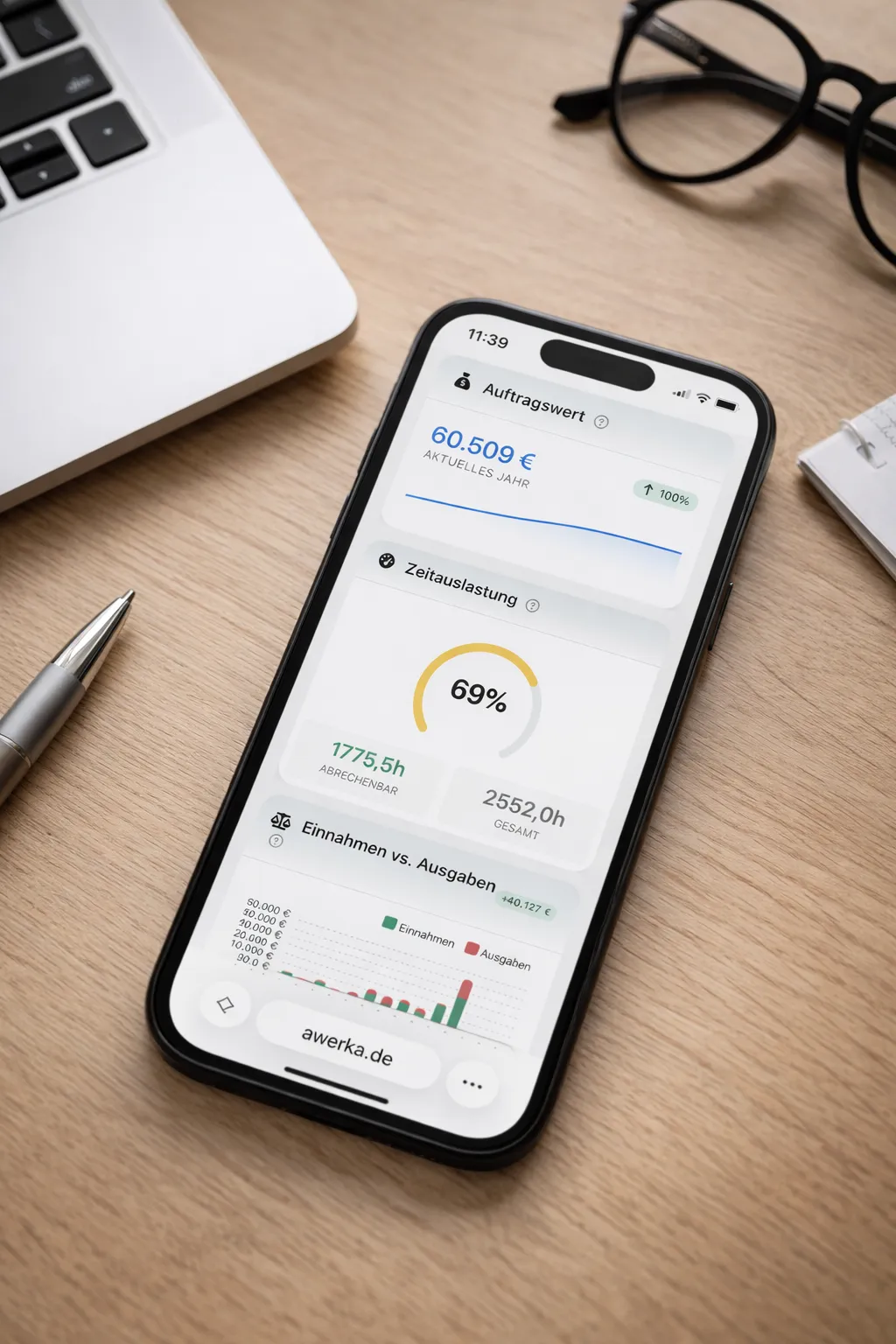
Awerka for Mobile
Manage your business on the go. Access customers, projects, and time tracking from anywhere with our mobile app.