Project management with tasks, Kanban, and time tracking
With Awerka, projects run smoothly — instead of into the sand
Plan, track, and deliver projects with clarity—keep tasks, timelines, files, and collaboration in one place.

Three tools, three truths — Awerka holds a project together.
The typical job is spread across three or four tools: Trello for tasks, Excel for deadlines, a stray hours list somewhere, then the invoicing software. Mid-project somebody notices a task got missed — it came in by email and never made it anywhere. The invoice at the end is built on different hours than what the project tool shows.
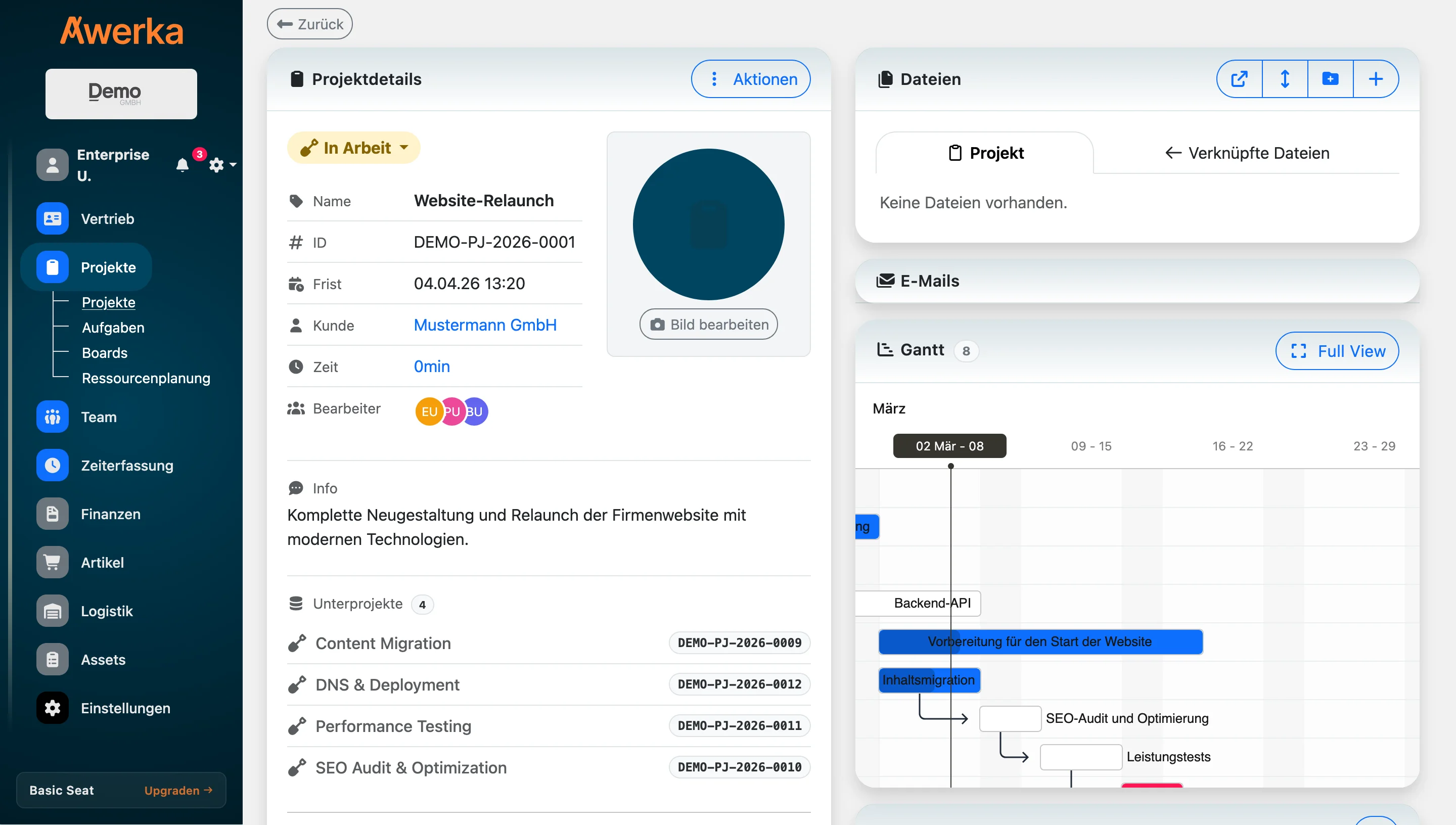
In Awerka, a project is the center. Tasks live inside it, deadlines, booked hours, all files, the customer. A Kanban board shows what's running, a Gantt view shows what's due when. The hours your team books on the project flow straight in as line items on the next invoice. The state of the project is just the state of the project — no synthesis from three spreadsheets.
Project-management tools are everywhere. Most end up as task lists, disconnected from the rest. In Awerka, the project is the through-line — customer, quote, tasks, hours, invoice. You don't need a second tool, because everything that would normally happen elsewhere happens here.
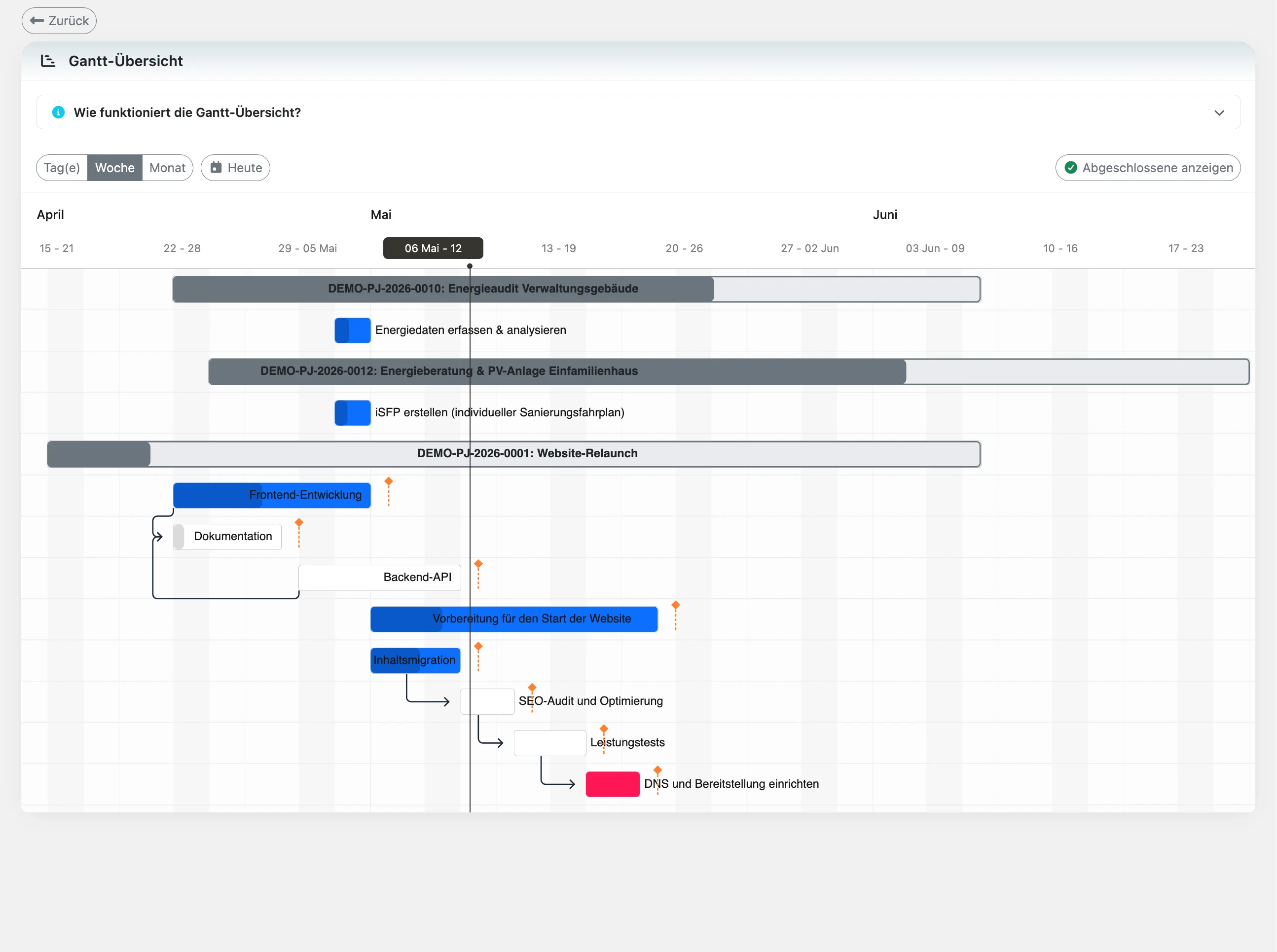
Hit every deadline
Visualize schedules, dependencies, and milestones so teams stay on track.
Stay in control
Assign work, set priorities, and monitor progress in real time.
Collaborate smoothly
Share context, files, and updates—everyone knows what to do next.
Everything you need
- Create projects with milestones, phases, and custom fields
- Task management with assignees, due dates, and priorities
- Kanban and list views for flexible workflows
- Time tracking per task and project with billable flags
- File attachments, comments, and activity log
- Permissions by organization, role, and team
- Budget & progress overview with status reporting
- Sub-projects and hierarchical project structures
- Project templates for repeatable workflows
- Customer assignment per project for clear accountability
- Team assignments with role-based access control
- Generate invoices directly from project time entries
Project Management Features
Everything your team needs to plan, execute, and deliver projects on time and on budget.
Kanban Boards
Visualize your workflow with drag-and-drop Kanban boards. Create custom columns, move tasks between stages, and keep your entire team aligned on what needs to happen next.
Task Management
Assign tasks to team members with due dates, priorities, and checklists. Track progress with status updates and never lose sight of who is working on what.
Time Tracking
Log hours directly on tasks and projects with billable and non-billable flags. See exactly where time is spent and use tracked hours for accurate client invoicing.
Budget Tracking
Monitor project costs and revenue in real time. Compare planned budgets against actual spending, track labor costs per employee, and stay on top of project profitability.
Project Types
Awerka adapts to any project type—from client work to internal initiatives to field installations.
Client Projects
Track deliverables, log billable hours, and manage client expectations. Assign customers to projects, generate invoices from tracked time, and maintain a complete audit trail of all project activities.
Internal Projects
Manage internal initiatives such as IT infrastructure, HR programs, or process improvements. Track non-billable time, coordinate cross-department teams, and measure outcomes against internal goals.
Construction & Installation
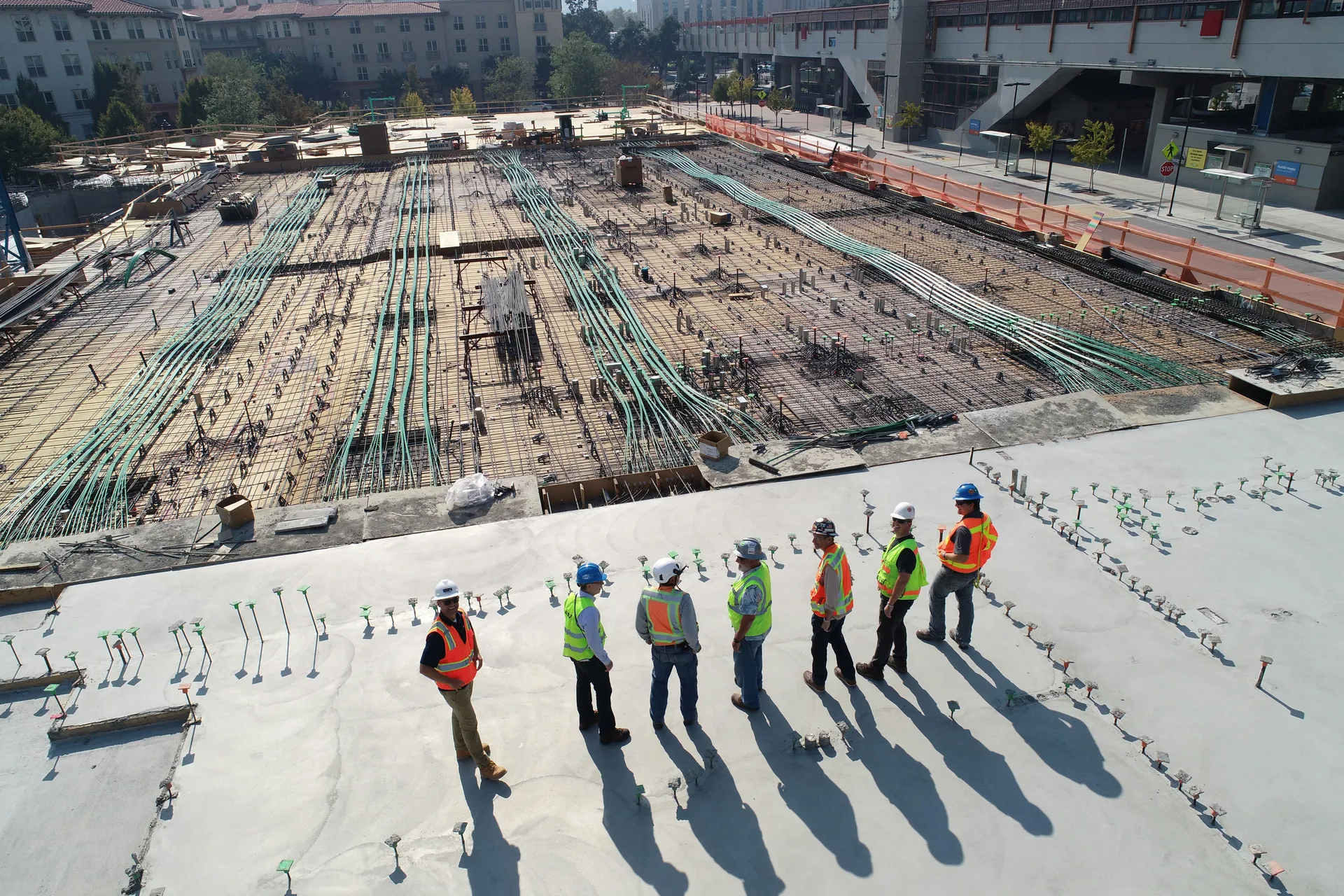
Organize phase-based projects with material tracking and field team coordination. Use sub-projects for different installation phases, attach site photos and documents, and track labor costs against project budgets.
See it in action
Got questions? (FAQ)
Plan and deliver projects with confidence
Start free. Upgrade when you're ready.
Try it freeTasks, Kanban boards, time tracking, and invoicing—all in one platform.
Compare plansAwerka for Mobile
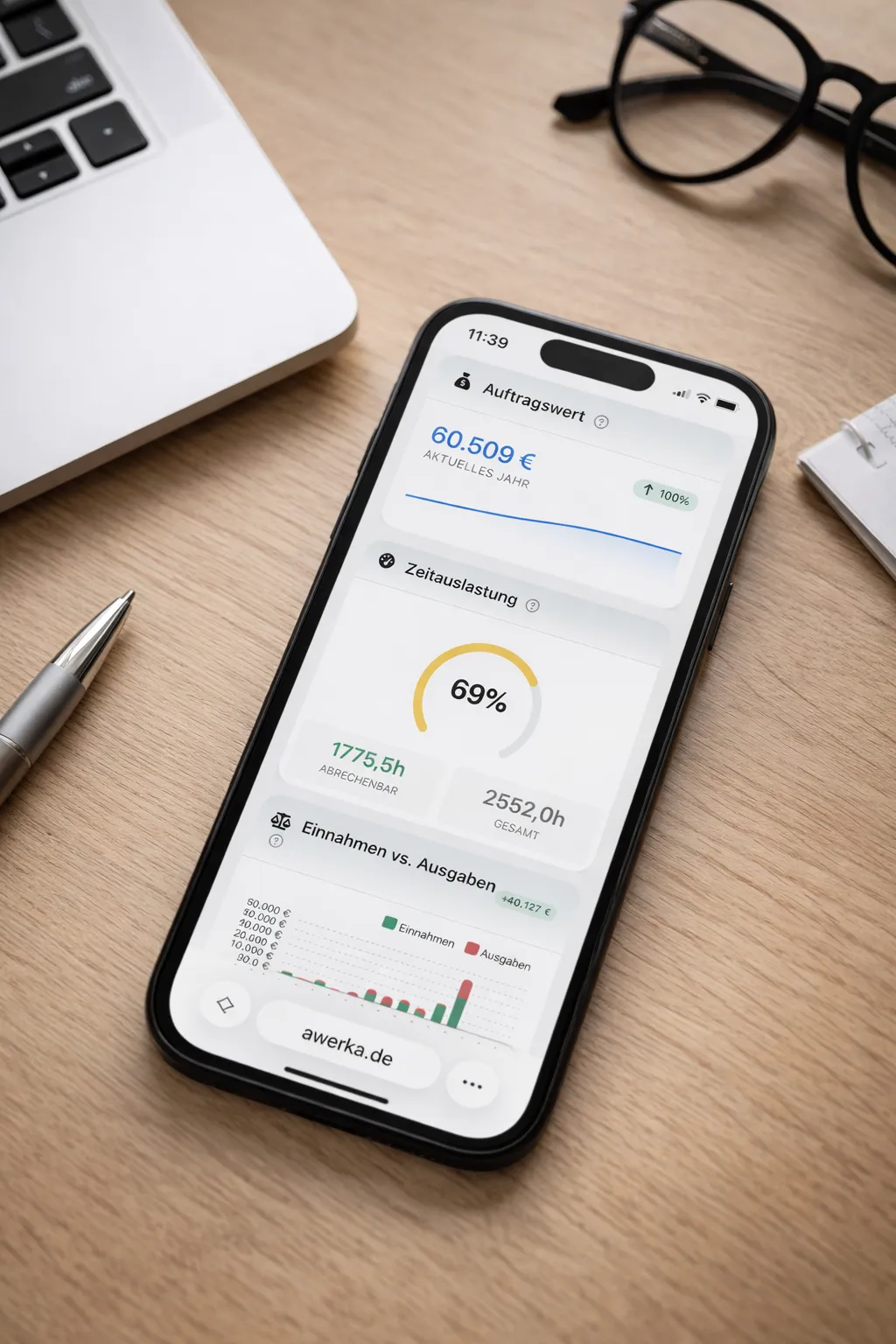
Manage your business on the go. Access customers, projects, and time tracking from anywhere with our mobile app.