Team calendar with sync to every device
With Awerka, your whole team ticks in sync
Plan appointments, share team calendars, and sync everything automatically with Apple Calendar, Android & Thunderbird. No extra app needed.
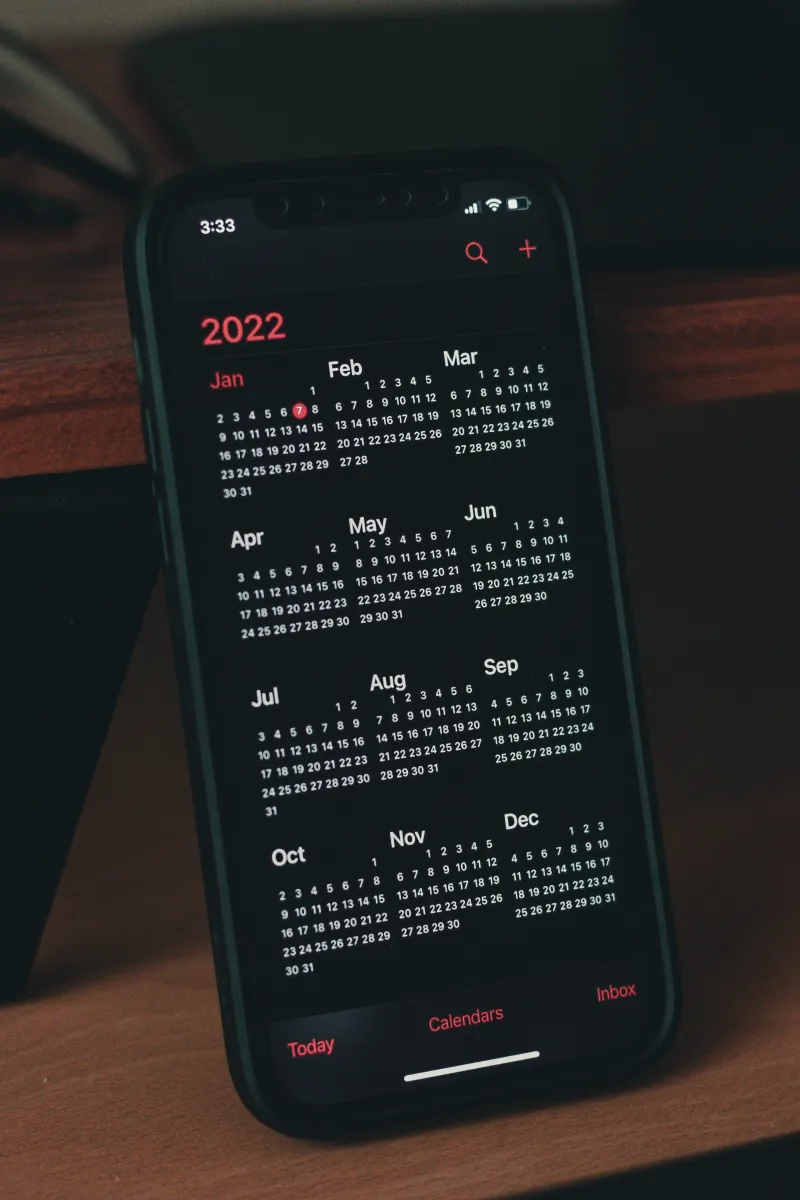
One appointment, on every device — without an extra app.
You add the appointment in your office tool. On the iPhone it's missing. On the tablet it's there but doubled. The colleague has the old version. When the supplier reschedules a delivery you only hear about it when the driver calls. Three calendars, three truths.
Awerka speaks CalDAV — the open standard for calendars. Apple Calendar, Android, Thunderbird, Outlook all sync without an extra app, without an extra login. Appointments you create in Awerka show up on every device seconds later. A colleague edits something — everyone sees it. One source, every device.
There are CalDAV servers, there are office suites, there are calendar tools. Awerka saves you the server, because it's already in. And it attaches appointments directly to a customer, a project, an order — so tomorrow morning you actually remember why the appointment is in the calendar.

Automatically in Sync
Sync with Apple Calendar, Thunderbird & Android. Events appear automatically in the apps you already use — no exports, no manual copying.
Who is available when?
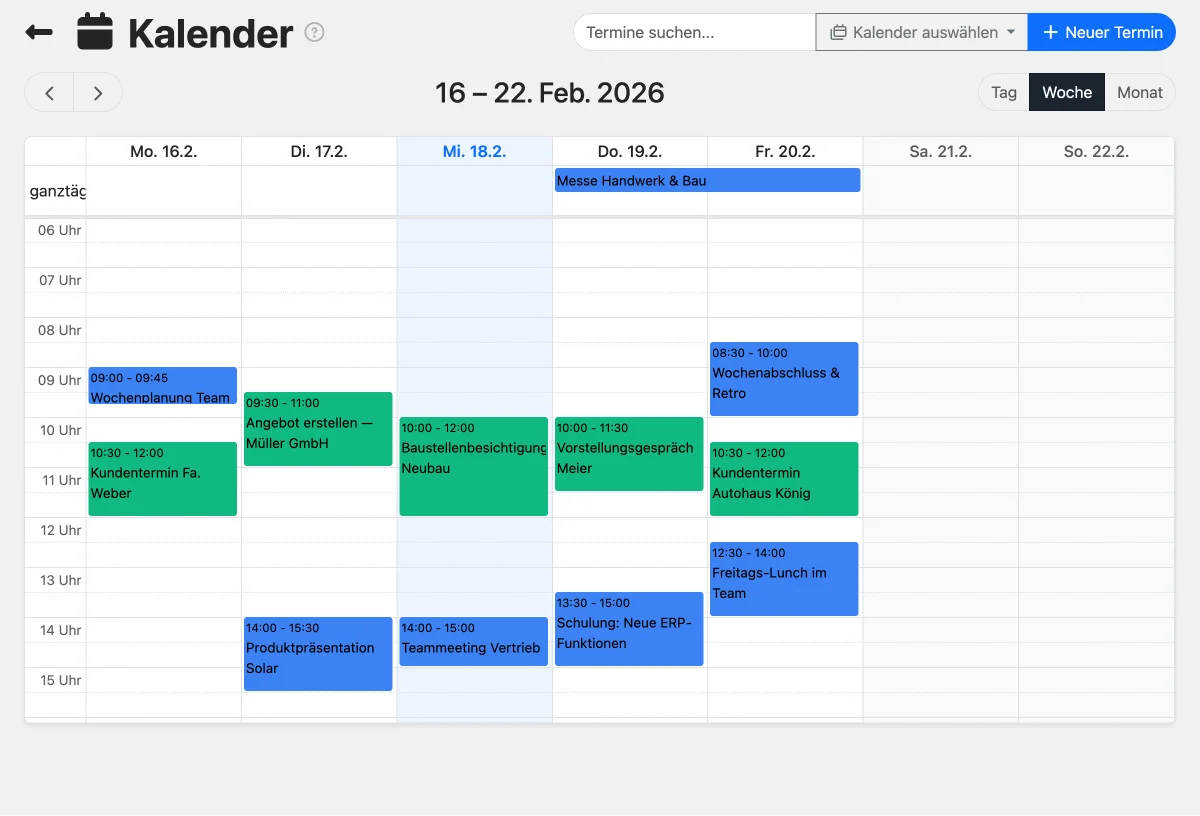
See your team's availability without switching apps. Shared calendars, color-coded events, and participant assignments keep everyone aligned.
Your data, already there
CRM birthdays, recurring appointments, and team events sync to your phone automatically. One calendar for everything.
Everything you need
- Two-way CalDAV sync with any compatible app
- Invite external guests by email — with accept/decline tracking
- Video call link on every event via Awerka Meet
- Multiple calendars with color-coding
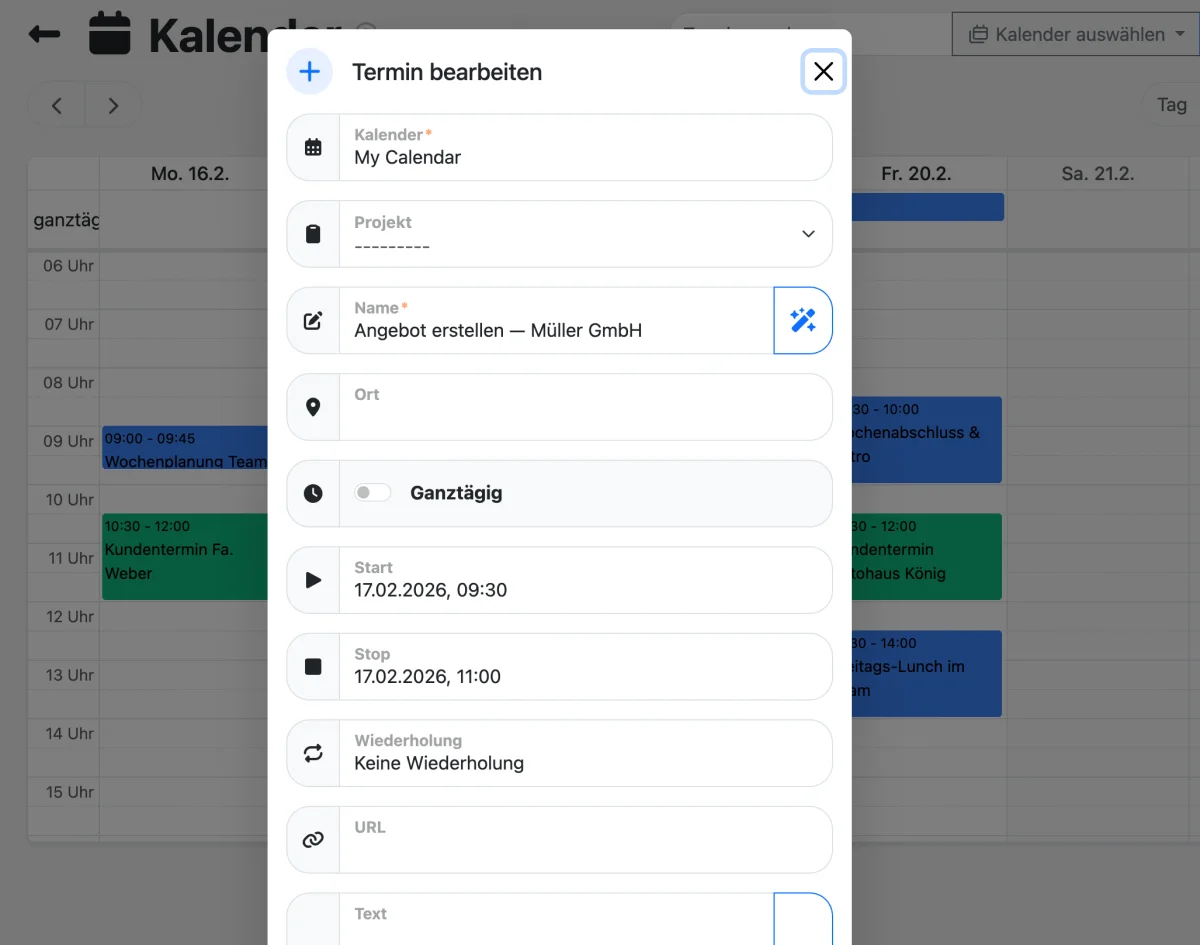
- Recurring events with flexible rules
- Team event assignments and shared calendars
- Birthday calendar from CRM contacts
- Drag-and-drop event management
- Full-text event search
- Works on iPhone, Mac, Android, Windows, Linux
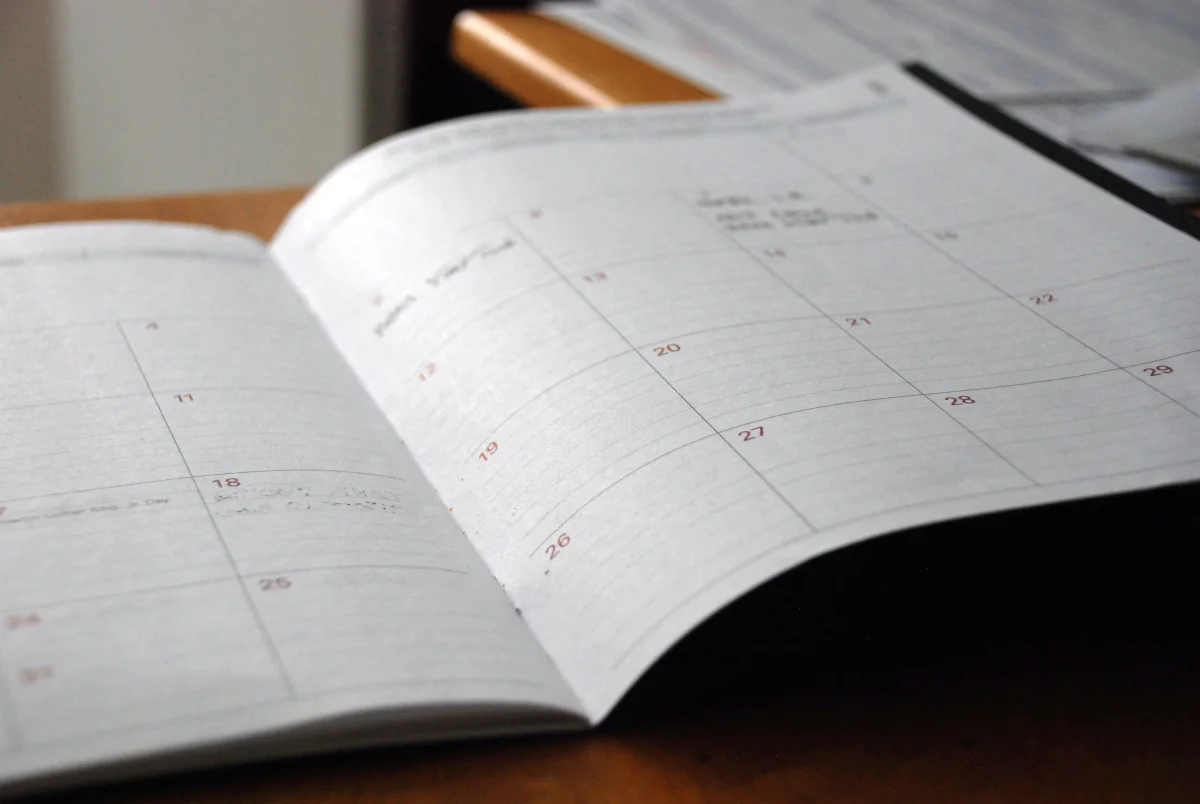
Set Up in Under a Minute
Awerka uses CalDAV — an open standard supported by all major calendar apps. Add your account once and your appointments stay in sync everywhere.
Add your account
Open your calendar app and add a CalDAV account with your Awerka credentials. It takes less than a minute.
Choose your calendars
Your app discovers all available calendars automatically. Select the ones you want to see on your device.
Stay in sync
Create or edit events anywhere — changes sync both ways. Team events, CRM birthdays, and recurring appointments appear on every device.
Compatible with Your Favorite Calendar Apps
Awerka works with any calendar app that supports CalDAV. No plugins, no extra software — just add your account and go.
Your calendar data is encrypted in transit and stored securely on European servers.
Step by Step: Your Shared Calendar on Every Device
Awerka works as a network calendar for your whole team: one CalDAV account per person, and every device shows the same appointments. Here is the setup for the three most common clients.
Thunderbird
- Open the calendar view and choose 'New Calendar' → 'On the Network'.
- Enter your Awerka username and the CalDAV address from your Awerka profile.
- Thunderbird finds all your calendars — pick the ones to show, including shared team calendars.
- Done. Appointments sync both ways, also for colleagues' shared calendars.
iPhone & Mac
- Settings → Calendar → Accounts → 'Add Account' → 'Other' → 'Add CalDAV Account'.
- Enter the Awerka server address plus your username and password.
- Choose which calendars to show in Apple Calendar.
- New events from your phone appear in Awerka seconds later — and vice versa.
Android
- Install the DAVx5 app (one-time, available in the Play Store).
- Add your Awerka account with the CalDAV address from your profile.
- Enable the calendars you want in DAVx5.
- Your Awerka appointments appear in your usual Android calendar app.
Invite Guests, Meet by Video — Straight From the Event
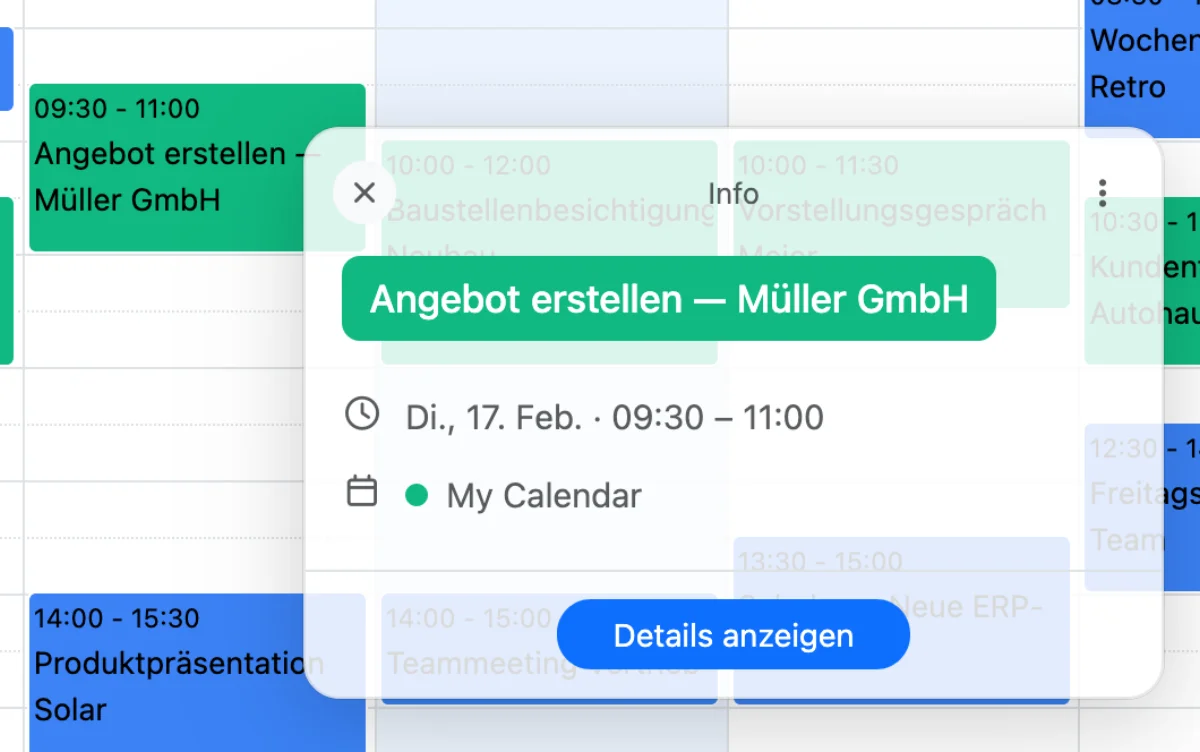
Appointments rarely involve only your team. Invite customers, suppliers, or partners by email address: they receive a standard calendar invitation that lands directly in their Outlook, Google, or Apple calendar — and you see at a glance who has accepted, declined, or not answered yet.
Need to talk face to face? One click adds an Awerka Meet video link to the event. It travels with the invitation, and your guests join in the browser — no account, no app. If the appointment changes, everyone automatically gets the updated invitation.
Discover Awerka Meet-
Standard calendar invitationsGuests need no Awerka account — the invitation works in every calendar app.
-
Accept / decline at a glanceReplies flow back into Awerka automatically — you always know who is coming.
-
Video link includedOne click adds an Awerka Meet room — GDPR-compliant, hosted in Germany.
Let customers book you online
No more phone tag to find a date. Share one link or a QR code — your customer picks a free slot, and the appointment lands in your calendar with a confirmation email, calendar invite and automatic reminders.
- Your availability, your rules: working hours, buffers, notice period
- New customers become leads in your CRM automatically
- Customers reschedule or cancel themselves — your calendar stays current
- Hosted in Germany, GDPR-compliant — no extra booking tool needed
Included in all paid plans — try it free for 14 days.
Start for free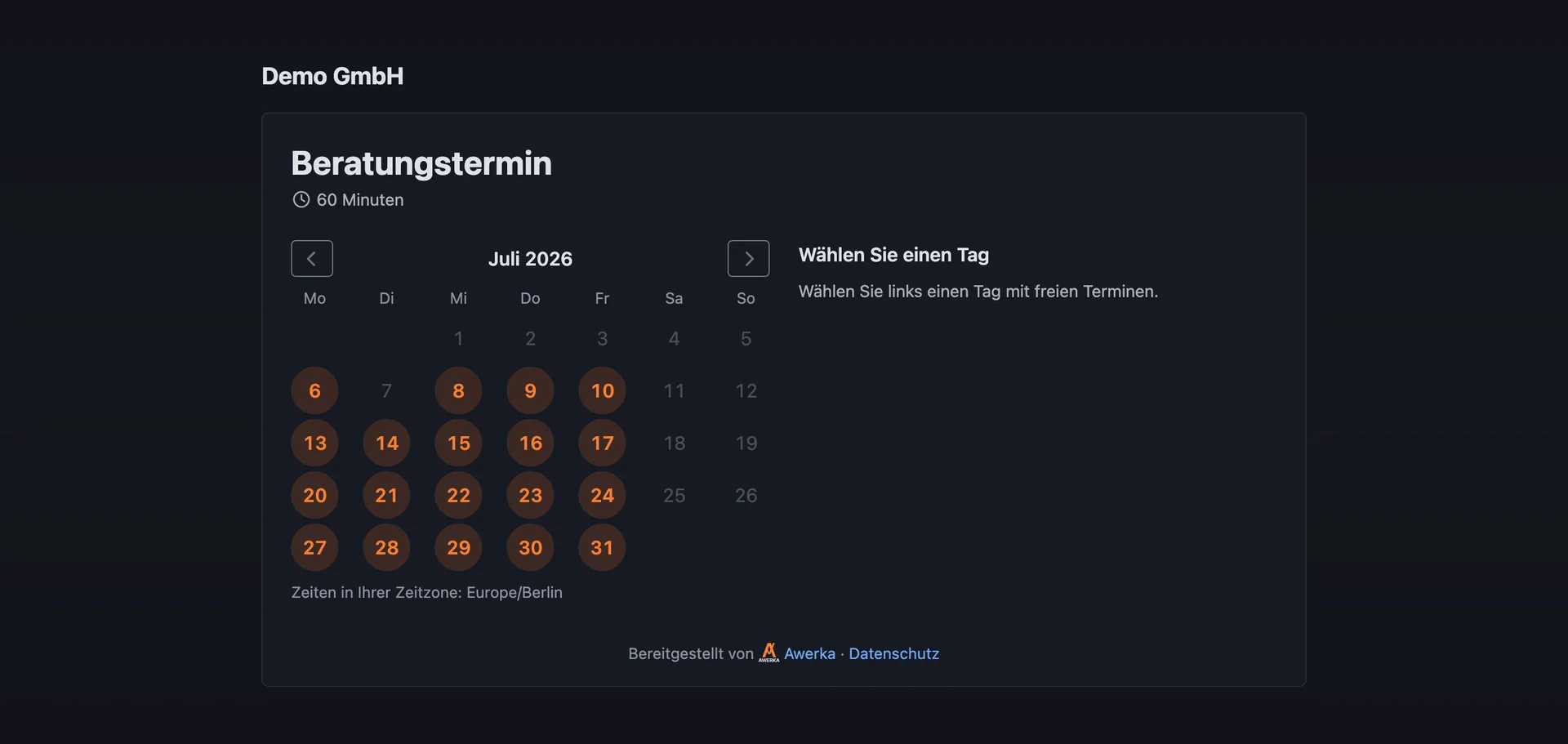
Calendar + Time Tracking: Better Together
Plan your team's appointments in the calendar and track working hours with time tracking — all in one platform. See who is working on what, compare planned vs. actual hours, and keep your projects on schedule.
Discover time tracking-
One platform for appointments and hoursNo switching between calendar app and time tracking tool.
-
Team overview at a glanceSee availability, working hours, and project assignments in one place.
-
Legally compliant time recordingMeet the legal time tracking obligation in Germany, Austria, and Switzerland.
See it in action
Got questions? (FAQ)
Awerka for Mobile
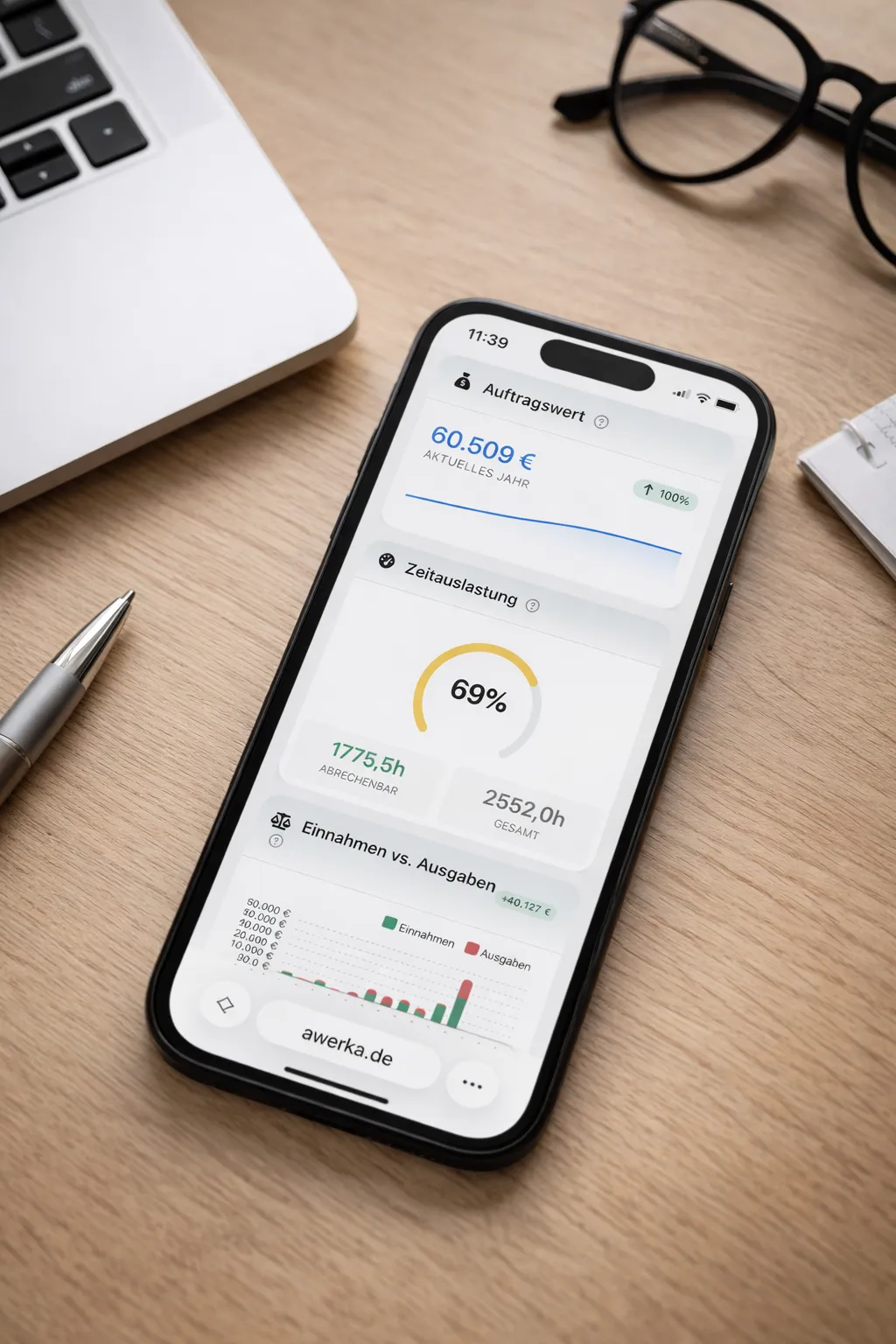
Manage your business on the go. Access customers, projects, and time tracking from anywhere with our mobile app.