Fill in a timesheet and download it as a PDF
Enter your working hours for the whole month, the hours are summed up automatically. At the end you download a clean timesheet as a PDF, ready to sign. No Excel, no sign-up.
Create timesheetYour timesheet
| Date | Start | End | Break | Activity | Hours |
|---|---|---|---|---|---|
| Total | 0:00 (0,00 h) | ||||
All entries stay in your browser. No data is sent to any server.
Prefer automatic instead of by hand?
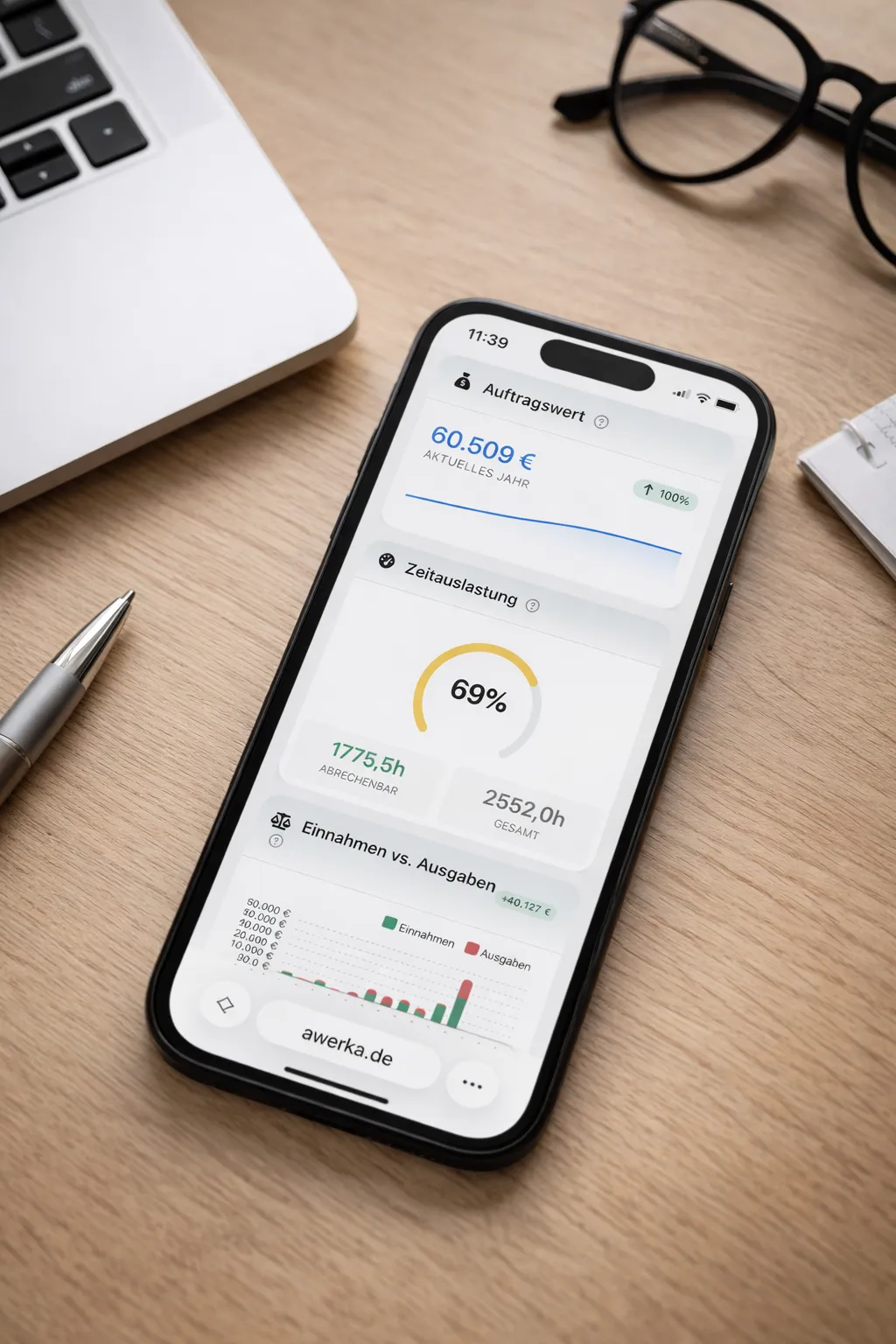
With Awerka your employees clock in and out via app, the timesheet is created by itself, including breaks, overtime and project allocation.
What belongs on a timesheet?
A timesheet, also called a working time record or hours record, documents the working time performed per day. A complete template should include the employee's name, the month, the start and end of working time per working day, the breaks and the hours calculated from them. At the bottom are the total as well as fields for the date and signature of employee and employer.
Our timesheet generator does the arithmetic for you: you choose the month, enter your times per day, and the hours are summed up automatically. Weekends are highlighted so you keep the overview. With one click you download the finished timesheet as a PDF, cleanly formatted and ready to print or send to payroll or your tax advisor.
Why a digital timesheet?
Since the working time recording obligation came into force, employers have to document the start, end and duration of daily working time. A digital timesheet is faster and less error-prone than a handwritten form or an Excel spreadsheet. Anyone who no longer wants to enter the times by hand records them with Awerka directly via app and gets the timesheet automatically.
Frequently asked questions
Awerka for Mobile
Manage your business on the go. Access customers, projects, and time tracking from anywhere with our mobile app.