Inventory management with QR codes and locations
With Awerka, you always know what's where
Track stock levels, movements, and locations. Scan the bin with your phone and keep purchasing, sales, and projects in sync.
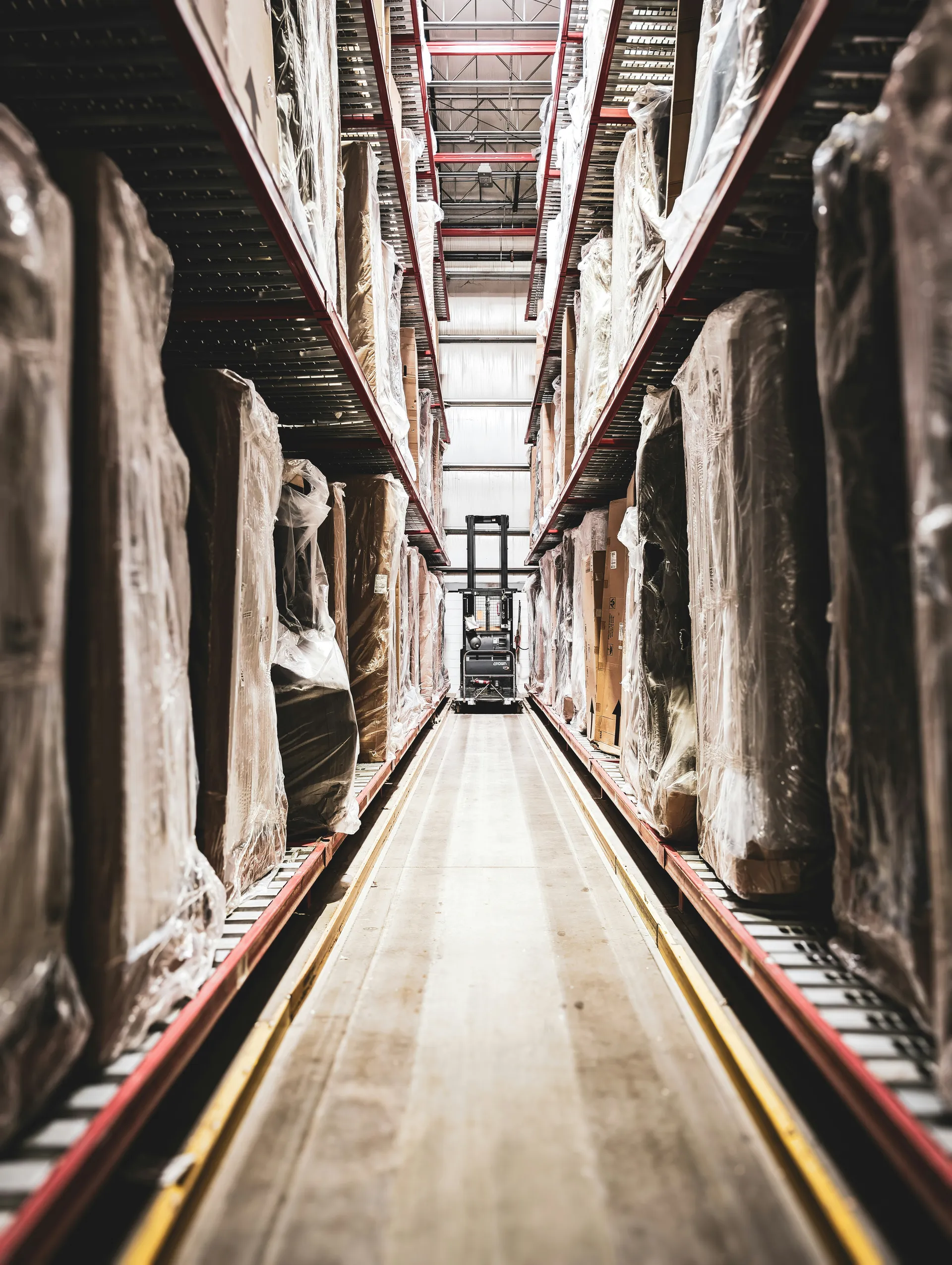
Year-end inventory without weekend shifts? With Awerka.
Classic warehouse chaos: an Excel sheet from last year, two binders, a clipboard at the back of the warehouse. When somebody hunts for a part, three people start asking around. Year-end inventory eats Saturdays. Material disappears onto job sites and resurfaces weeks later — if at all.
In Awerka every bin has its own QR code. Scan it with your phone and you see what is in it, correct the count or book goods in and out. Material for the job site leaves on a delivery, tied to the project. Every part has its bin, its minimum stock, its movement history. When material runs low, you know about it before the customer does. Year-end inventory? Walk through, scan, count, done.
There's no shortage of inventory software. Most of them want their own scanner gear and their own little world. Awerka runs on any phone with a camera. And stock levels speak directly to purchasing, orders, and invoices — without you building bridges in between.

QR codes on every bin
Scan the location with your phone and see the stock stored there right away.
Know where it is
Multi-location and bin tracking so you always find the right item.
Real-time levels
Automatic adjustments from deliveries, orders, and returns.
Everything you need
- Items with article numbers and product groups
- Warehouse, zone, aisle, rack, shelf, and bin management
- Printable QR code labels for every storage location
- Scan locations with any smartphone camera — no extra hardware
- Stock levels per item and location with minimum stock levels
- Goods receipt via deliveries and purchase orders
- Stock movements with full transaction history
- Multi-warehouse support with location codes
- Unit of measure support: pieces, kg, meters, liters, and more
- Material requests from the job site: requested, approved, ordered, delivered
Warehouse Hierarchy
Organize your warehouse with a clear location structure — from the building down to the individual bin.
Warehouse
Building or siteZone
Area or sectionAisle
Walkway or corridorRack
Shelving unitShelf
Level or tierBin
Storage slotScan the Shelf, See the Stock
Warehouse software with scanners used to mean expensive handheld devices and a separate system. With Awerka the scanner is the phone you already carry: every storage location has its own QR code, printable as a label straight from Awerka.
Stick the label on the shelf, the rack, or the bin. From then on, anyone standing in front of it scans the code with the smartphone camera and sees immediately what belongs there, how much is in stock, and where the minimum level sits. New colleagues find their way on day one — without asking and without memorizing aisle numbers.
-
QR labels from every levelWarehouse, zone, aisle, rack, shelf, bin — each gets its own printable code.
-
No scanner hardwareAny smartphone camera works — no handheld scanner, no extra app.
-
Straight to the stock viewThe scan opens the location in Awerka — items, quantities, and movements included.
Who uses inventory management?
Whether you sell products, manage materials, or run a warehouse — Awerka adapts to your inventory workflow.
Retail and E-Commerce
Track stock across warehouses and sales channels. Manage incoming goods and deliveries, and keep inventory accurate with QR-coded locations and automatic stock updates.
Trades and Construction
Track materials and tools across job sites and central storage. Allocate inventory to projects, manage supplier deliveries, and avoid costly delays from missing parts.
Manufacturing
Manage components, raw materials, and finished goods. Monitor stock levels for production planning and keep your supply chain running smoothly.
See it in action


Got questions? (FAQ)
Take control of your inventory — from the warehouse to the customer
Start free. Upgrade when you're ready.
Try it free Compare plansAwerka for Mobile
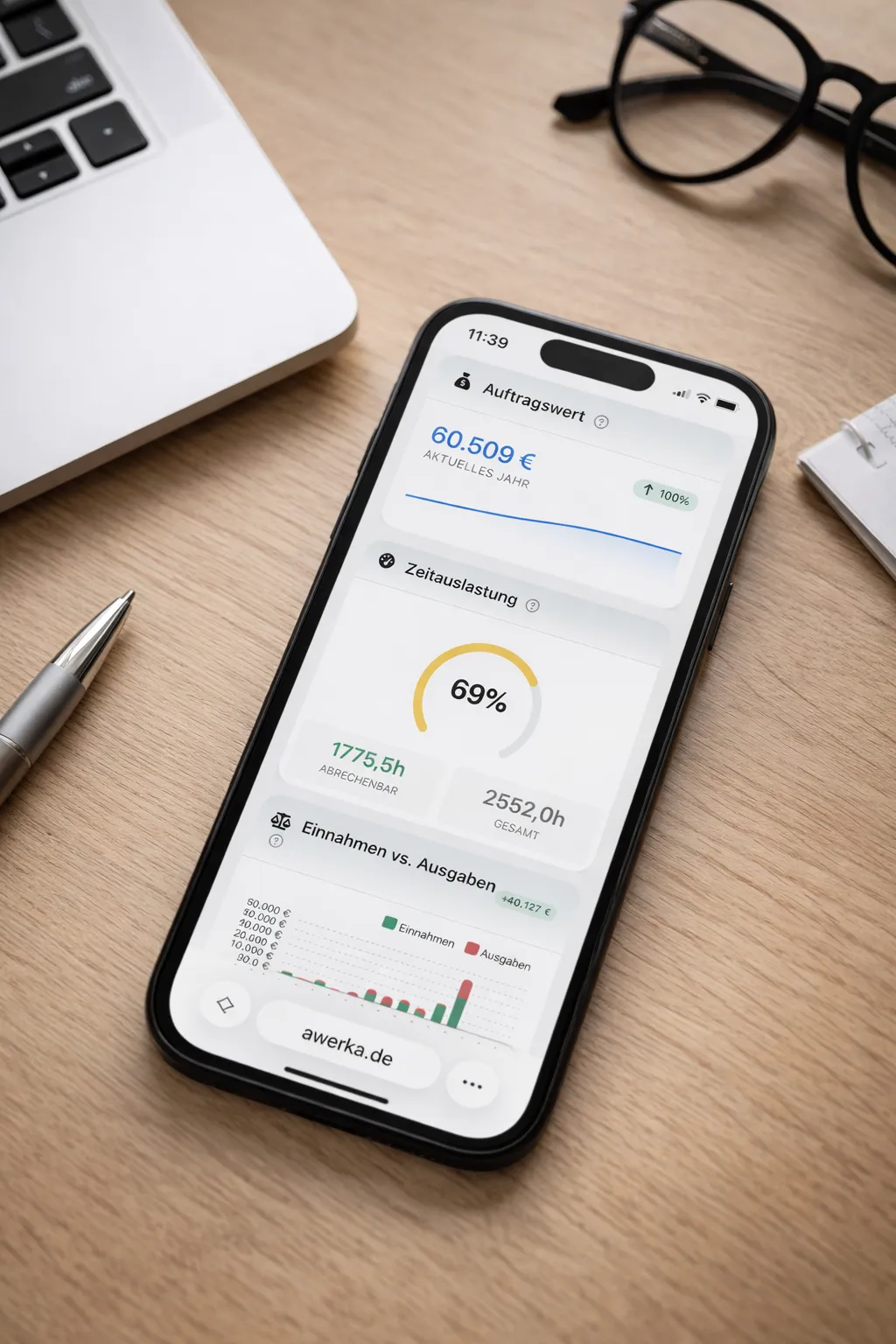
Manage your business on the go. Access customers, projects, and time tracking from anywhere with our mobile app.